3
OPERATING INSTRUCTIONS
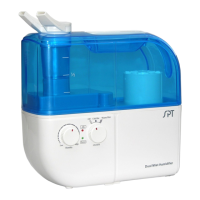
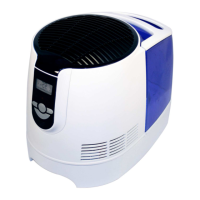
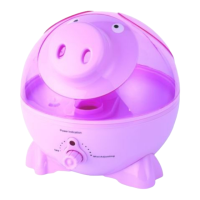
• Place unit on a smooth level surface that can support the unit when filled with water.
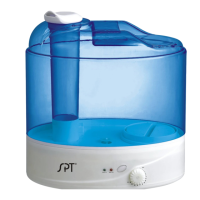
• Lift and remove mist nozzle.
• Remove water tank. Turn it upside-don and turn the cap counter-clockwise to open.
• Fill with COOL tap water or DISTILLED water. DO NOT USE HOT WATER. Do not add fragrance or
oil in the water – it will cause malfunction of the unit!
• Replace the fill cap by turning clockwise – do not over tighten.
NOTE:When carrying a filled water tank,place one hand under for support.
• Place water tank back on the base,be sure tank is correctly aligned with base;replace the mist nozzle.
• Allow water to fill the reservoir in the base.
• Plug in power source and press the Power button – the power on indicator will illuminate (Green).
• To adjust mist intensity,turn the control knob clockwise to increase and counter – clockwise to
decrease.
NOTE:
• If the Red indicator light illuminates after powering on,either the unit is out of water or tank is not
properly aligned.
• Turn the mist nozzle away from walls and furniture.
• Once the water tank is in place,do not attempt to move the humidifier.If it has to be moved,unplug the
unit and drain water from the base before moving.
• Once the unit is plugged in or during operation,do not attempt to pick up the water tank.
• Pay attention to the water level – add water when low (Red indicator light illuminates when water is
out.)
•
TROUBLESHOOTING
Unit is not producing mist.
• Check if unit is powered on.
• Turn the mist intensity level higher (clockwise)
• Check if water is in the tank.
• If there is water in the tank, the water level in the base may be too full. Unplug the unit, remove tank
and empty the water in the base.
• Check if water tank is properly aligned in place.


 To Next Page