EasyManua.ls Logo

SPX TIF TIF8800X - User Manual

SPX TIF TIF8800X
16 pages
Print Icon
To Next Page IconTo Next Page
Loading...
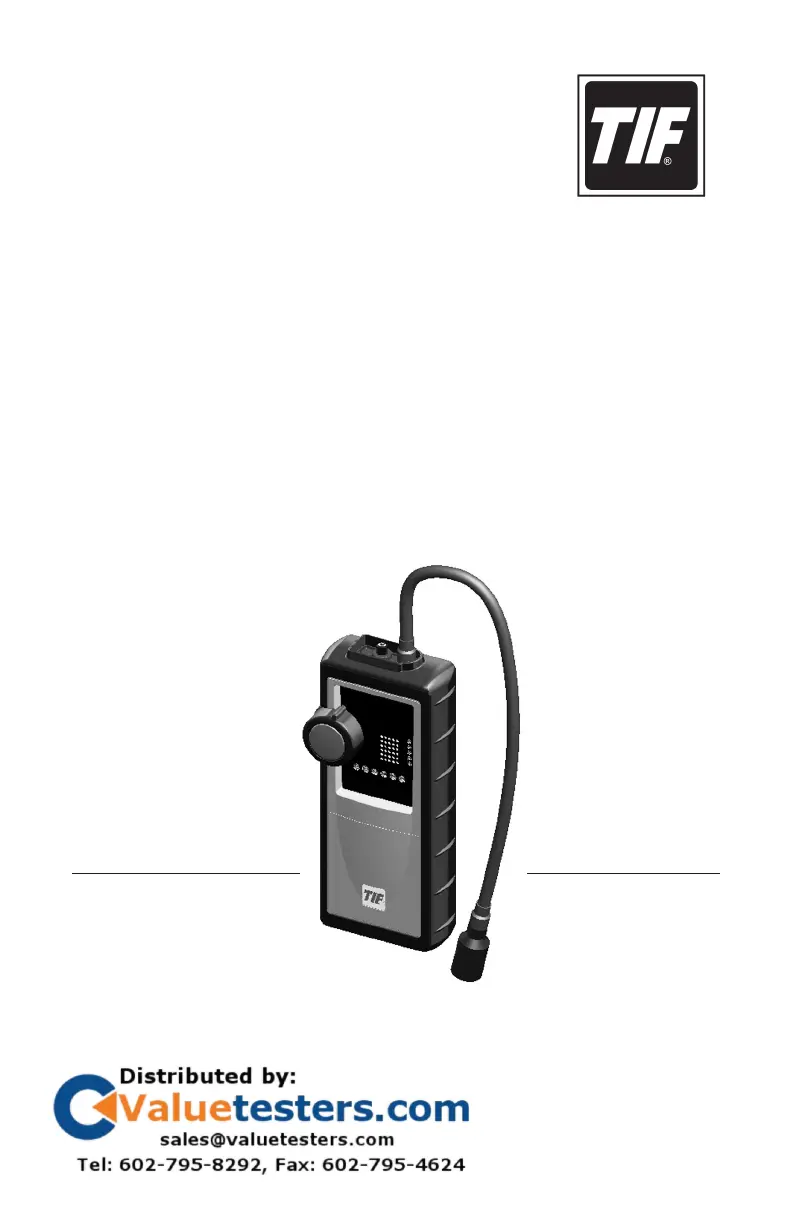
TIF8800X
Combustible Gas Detector
Owner’s Manual
Manual del propietario
Manuel de l’utilisateur
AN SPX BRAND

Questions and Answers

  • R
    Rachel PetersAug 4, 2025
    What to do if my SPX Gas Detectors doesn't alarm in the presence of leaks?
    • E
      Emma KnightAug 4, 2025
      If your SPX Gas Detector doesn't alarm when leaks are present, the sensor may have failed. Try verifying the unit on a known combustible gas leak source. If there is still no response, replace the sensor. If replacing the sensor doesn't solve the problem, stop using the tool immediately and return it for service.
  • R
    Ryan ShafferAug 10, 2025
    Why is the power indicator LED not lighting up on my SPX Gas Detectors?
    • B
      Benjamin HunterAug 11, 2025
      If the power indicator LED on your SPX Gas Detector doesn't light up and the tool is non-responsive, it could be due to the following reasons: * The battery pack might not be charged. To solve this, connect the AC adapter to the tool and charge the battery pack. * The AC adapter might be connected to the tool. If so, remove the AC adapter.
  • S
    Shelley WebbAug 17, 2025
    How to improve the battery life of my SPX Gas Detectors?
    • M
      Michelle EllisAug 17, 2025
      If the battery life of your SPX Gas Detector is less than 3 hours, the battery pack may need conditioning. Fully charge the battery, then operate the tool until the low battery LED illuminates. Repeat this process a minimum of 3 to 5 times to condition the battery pack.
  • L
    Lisa SalasAug 23, 2025
    What to do if the fault LED lights up during charging my SPX Gas Detectors?
    • D
      Darren FloresAug 23, 2025
      If the fault LED lights up during charging of your SPX Gas Detectors, it could be due to a problem with the battery pack or an internal failure. Here's how to troubleshoot: 1. Disconnect the AC adapter and wait one hour for the battery pack to cool. Do not use the tool during this time. 2. After one hour, reconnect the AC adapter. If the red LED illuminates again, replace the battery pack. 3. If the battery pack is not the problem, stop using the tool and return it for service.
  • L
    Lydia ClarkAug 29, 2025
    Why won't my SPX Gas Detectors operate and the battery pack won't charge?
    • B
      Brandon OliverAug 29, 2025
      If your SPX Gas Detector does not operate and the battery pack charge cycle won't complete (even after 24+ hours of charging), it could be due to: * A battery pack that is not connected. Check that the battery pack connection is secure. * A bad battery pack. Consider replacing the battery pack.

Summary

Safety Precautions

General Description

Applications

Identifies various use cases for the gas detector.

Features

Lists key capabilities and attributes of the gas detector.

Parts and Controls

Setup

Install the Battery Pack

Step-by-step guide to installing the battery pack.

Charge the Battery Pack

Instructions for charging the device's battery pack.

Operating Instructions

Instrument Status Indicators

Explains the meaning of the device's LED indicators.

Maintenance

General Care

Guidelines for cleaning and preserving the instrument.

Battery Pack

Information regarding the Nickel-Metal Hydride battery pack.

Sensor

Instructions for replacing the gas sensor.

Specifications

Replacement Parts

Warranty

Troubleshooting

SPX TIF TIF8800X Specifications

General IconGeneral
BrandSPX
ModelTIF TIF8800X
CategoryGas Detectors
LanguageEnglish