
 Need help?
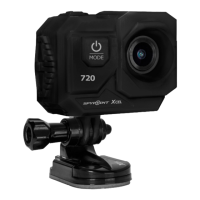
Do you have a question about the Spypoint XCEL 720 and is the answer not in the manual?
Instructions for navigating between camera modes like video, photo, and playback.
Guide on how to start and stop recording video and capturing photos.
Steps to enter the playback menu and view recorded videos and photos.
How to access the settings menu to adjust various camera options.
Steps for transferring photos and videos from the camera to a PC.
Steps for transferring photos and videos from the camera to a Mac.
 General
| Video Resolution | 720p |
|---|---|
| Photo Resolution | 5MP |
| Field of View | 120° |
| Battery Life | Up to 2 hours |
| Water Resistance | Yes |
| Waterproof | Up to 100 feet (30 meters) with included waterproof case |

 To Next Page