In the Box
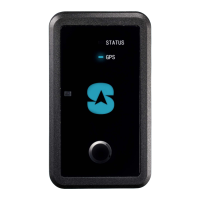
• Tracker with SIM card installed
• USB Type C charging cable
• Qi Charger
• 3M Mounting Tape
• M
ounting Bracket with Tap
Screws
Step 1: Charging
1. Plug in Qi Charger to the wall using the USB cable.
2. Place the Tracker on the Qi Charging pad, ensuring the device is centered.
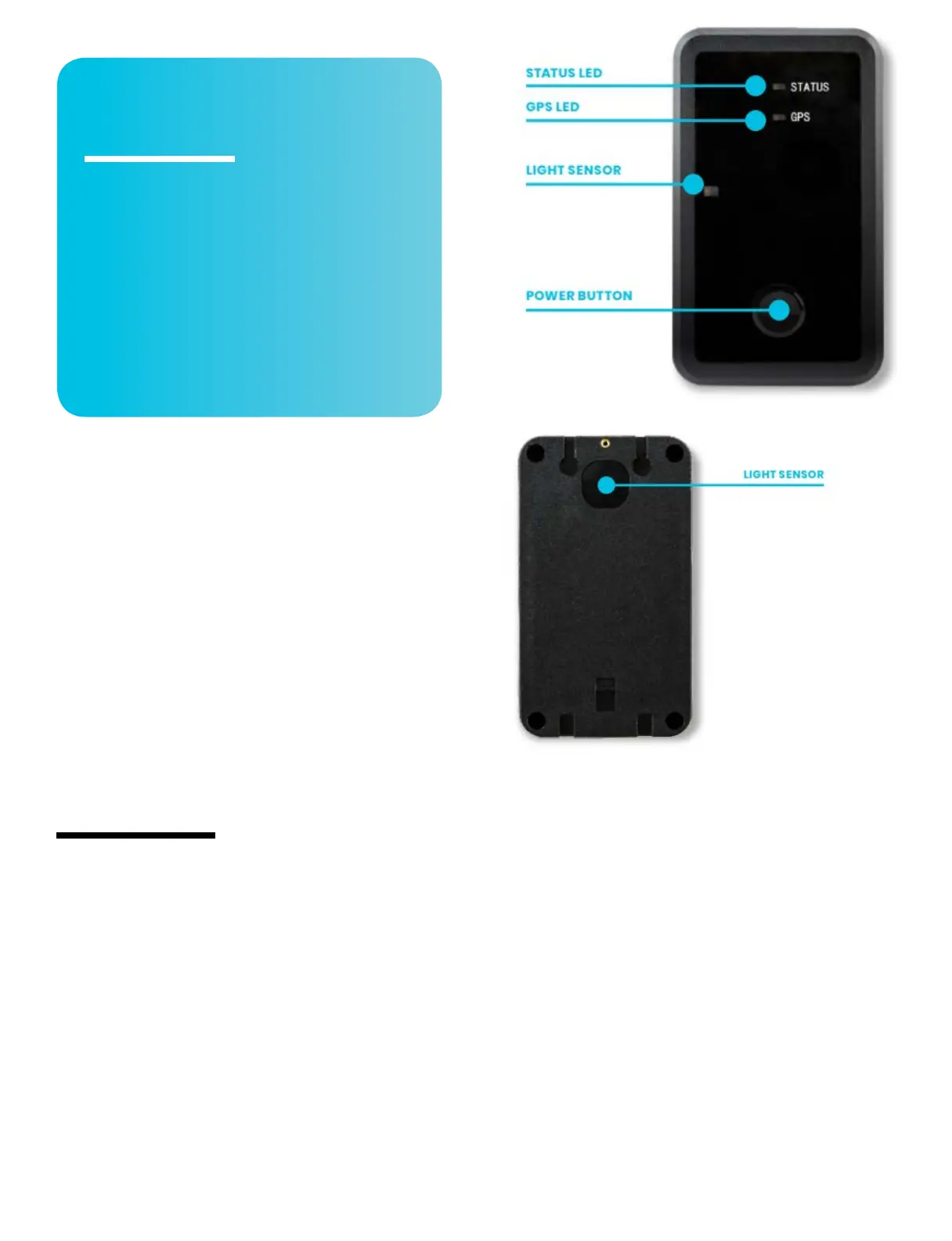
3. Status LED and GPS LED will flash while charging
4. Charge for at least 8 hours, then remove from Qi charger.
5. Disconnect from charger. Both LEDs will turn off.
Step 2: Locate your IMEI
• Locate the International Mobile Equipment Identity (IMEI) number on the right
side of your tracker. The number is 15 characters long. You will need to enter it to
set up your account.
Step 3: Create an Account & Login
1. From a browser on a computer or smartphone, go to:
www.spytec.com/gps-activation.
2. Click on the “Activate a new tracker” tile.
3. Fill out the entire multi-screen form.
4. Your login details will be emailed to you. Please allow up to 24 hours for your
tracker to be activated.
5. Once you log into your account, you will see the mapping platform where your
Wireless Charging Weatherproof Tracker
will show its location.
Step 4: Placement of the Tracker
• The Wireless Charging Weatherproof Asset Tracker needs to have as much
access to the open sky as possible to retain its connection to the GPS satellites.
• Tracker cannot be surrounded by metal since it will block GPS signals. DO
NOT hide the Tracker in metal enclosures. DO NOT place it in the middle of the
undercarriage, the engine compartment, wheel wells, metal bumpers, the trunk,
glove compartment, or in any closed/lidded compartment.


 To Next Page
 Loading...