THANKS FOR CHOOSING TO SELL WITH SQUARE TERMINAL
Start by pushing the power button located on the lower-left side of Terminal until the Square logo appears on the screen. Follow the steps
on-screen to connect to the internet, and then sign in or sign up for an account. To keep your device updated, leave it powered on and
plugged in overnight. Square Terminal receives automatic updates at 0300 but you can change this time in settings if needed. Activate
this product in the UK or Ireland, then continue to use it only in the country where you rst activated your device.
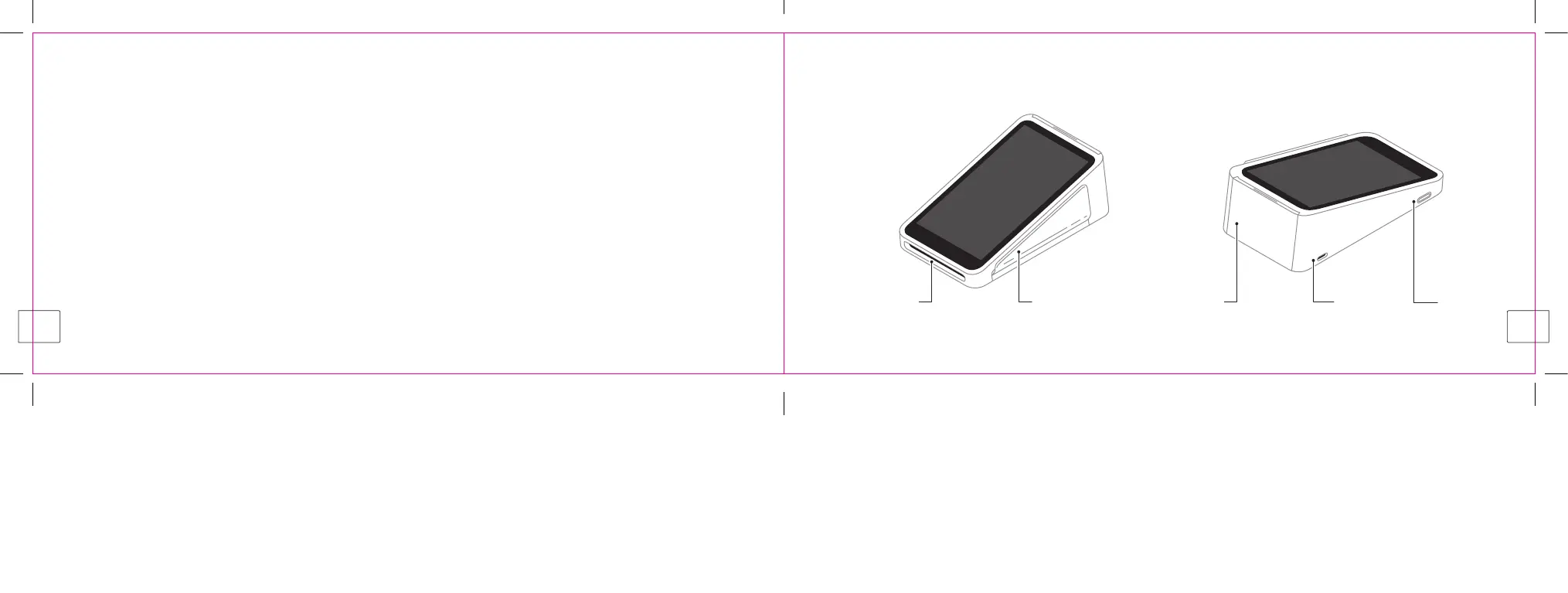
SQUARE TERMINAL
FRONT BACK
For more information on setting up and getting the most from Terminal, visit square.com/go/uk-terminal-guide from the UK, or
square.com/go/ie-terminal-guide from Ireland.
Chip card slot Magnetic
stripe card slot
Printer door USB-C port Power button
2
3



 To Next Page