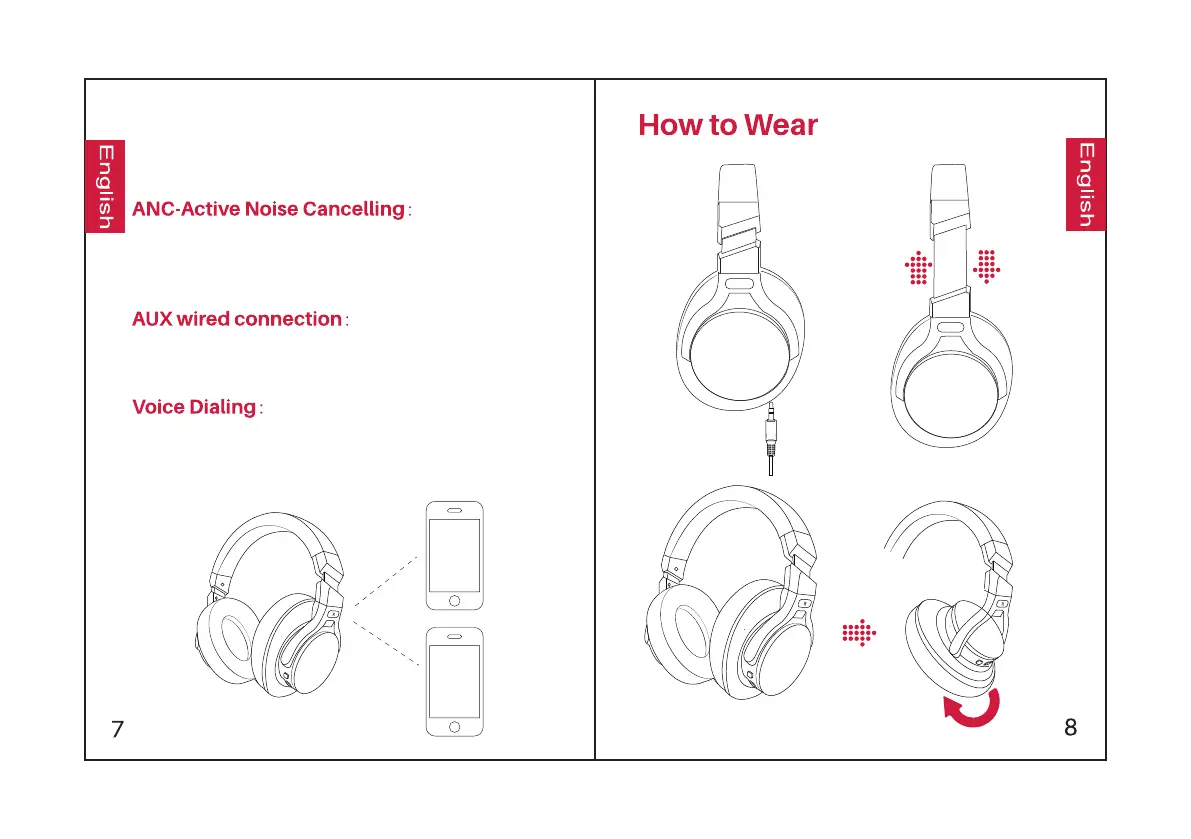
4. Return to the first Bluetooth device and
pair it with the headphones again. Now both of
your devices are paired with the headphones.
To turn on ANC, press the ANC Button;
the green ANC Indicator light will turn on.
To turn off ANC, press the ANC Button;
the green ANC Indicator light will turn off.
The headphones support AUX input for wired
external audio source connection. Simply turn
the headphones off and plug in the audio cable.
Press both the Volume Up and Volume Down
buttons simultaneously to activate the voice
dialing function(compatible with iPhone Siri
and selected Android voice dialing software).


 To Next Page