7 8
VoiceDialing
PresstheMulti-functionButton4timestoactivate
voicedialingfunction(compatiblewithiPhoneSiriand
selectedAndroidvoicedialingsoftware).
HowtoWear
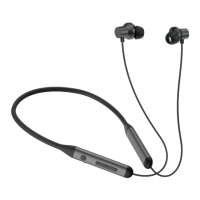
AdjustableHeadband
100°inwardrotation
100°
ActiveNoiseCanceling(ANC)Mode
ToturnonANC,presstheANCButtonwhenBluetooth
turnedon;Longpress3secondstheANCButtonwhen
Bluetoothturnedoff;
(theLEDindicatorlightwillbegreenwhenANCON)
ToturnoffANC,presstheANCButton;
(theLEDindicatorlightgreencolorwillbeoffwhen
ANCOFF)
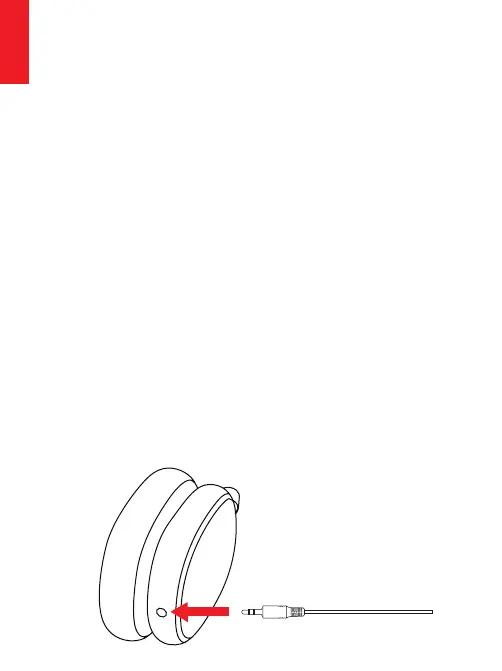
WiredMode
HeadphonesupportAUXinputforwiredexternal
audiosourceconnection.Simplyturnheadphone
Bluetoothoffandplugintheaudiocable.
ANCcan'tbeturnedoninwiredmode.Butitworks
whetherBluetoothisonoroff.
ButtonsandMicrophonecan'tbeusedinwired
mode
TransparencyMode
PresstheANCbuttontoswitchbetweenANCmode,
NormalmodeandTransparencymode
English
English


 To Next Page