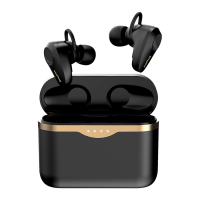
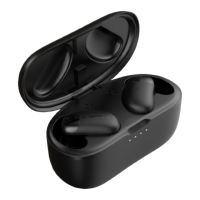
Multi-function Touchpad:
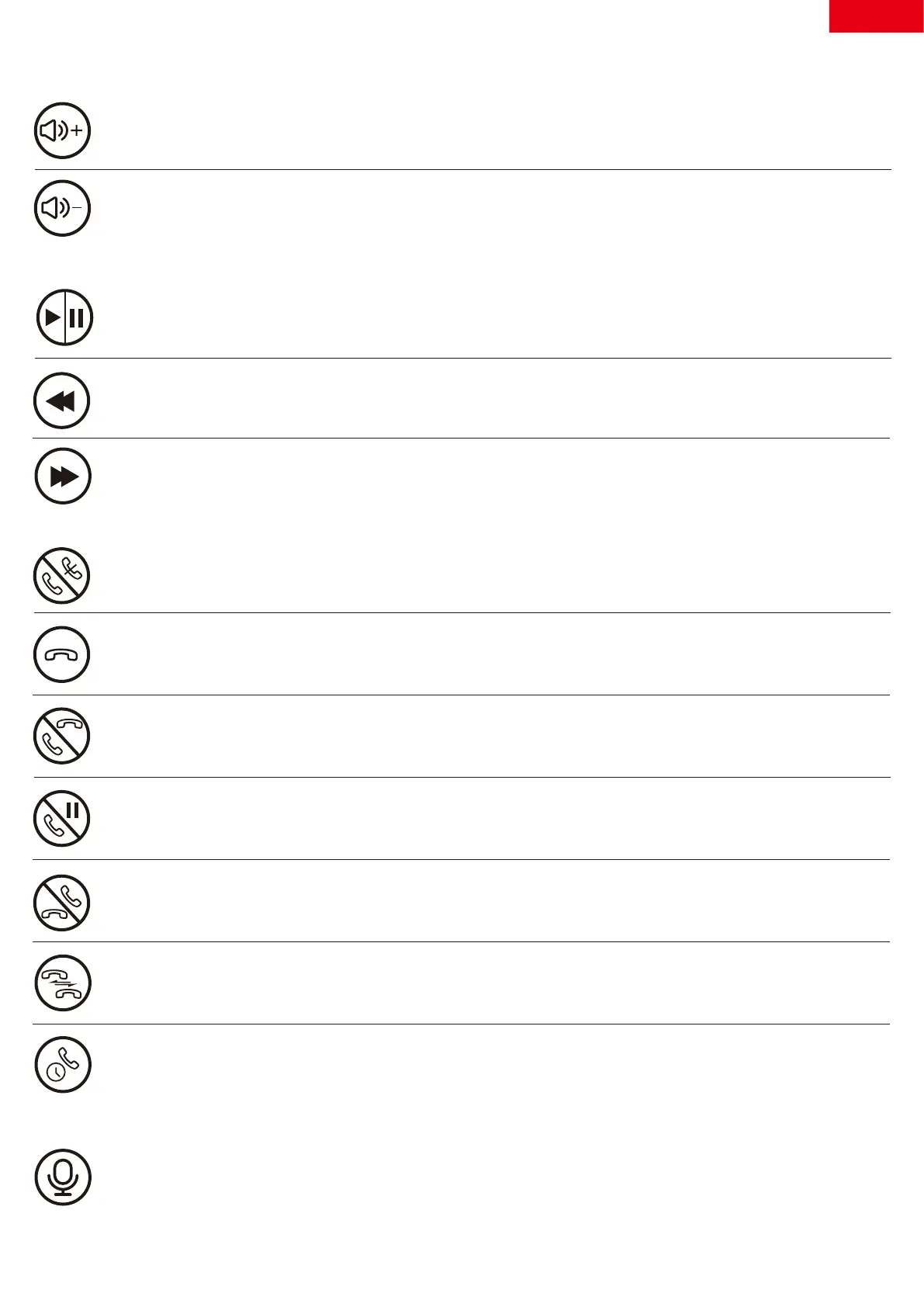
Accept/End:Tap the Touchpad of either earbud once.
Volume Up:Touch and hold the Touchpad of the Right(R)
Earbud about 2 seconds
Volume:
Music:
Call:
Activate Voice Assistant
Switch between two calls:Tap the Touchpad of either earbud twice
Call back the last call you dialed out:Tap the Touchpad of the
Right(R) Earbud 3 times
Tap the Touchpad of the Left(L) Earbud for 3 times quickly to wake
up the voice assistant
Continue & Decline:Touch and hold the Touchpad of either earbud
for 2 seconds
Hold & Accept:Tap the Touchpad of either earbud twice
End & Accept:Tap the Touchpad of either earbud once
Play/Pause:Tap the Touchpad of either earbud once
Next:Tap the Touchpad of the Right(R) Earbud twice
Previous:Tap the Touchpad of the Left(L) Earbud twice
Decline:Touch and hold the Touchpad of either earbud for 2 seconds
English
4
Volume Down:Touch and hold the Touchpad of the Left(L)
Earbud about 2 seconds


 To Next Page