Bluetooth Operation
Tap
music button enter to listen music for bluetooth in Streaming mode.
Tap
the button to played and paused ‘music’ in bluetooth main menu.
You can select the function with the key for previous and next.
A2DP (Advanced Audio Distribution Profile) Music Player
A2DP is a function which can receive the audio frequency signal from the mobile phone, amplified by
the car audio and played out by the car speakers.
Notice: your mobile phone need to support A2DP.
Tap the buttons on the screen as shown, or press corresponding buttons (pause/play, stop,
previous/next) on remote control to play, pause, play previous, or next music file.
Aux-In
Aux-In MODE
To start Aux-In Mode, tap Aux-In icon from main menu screen. connect the external audio signal source
to this unit will display “NOW PLAYING”.
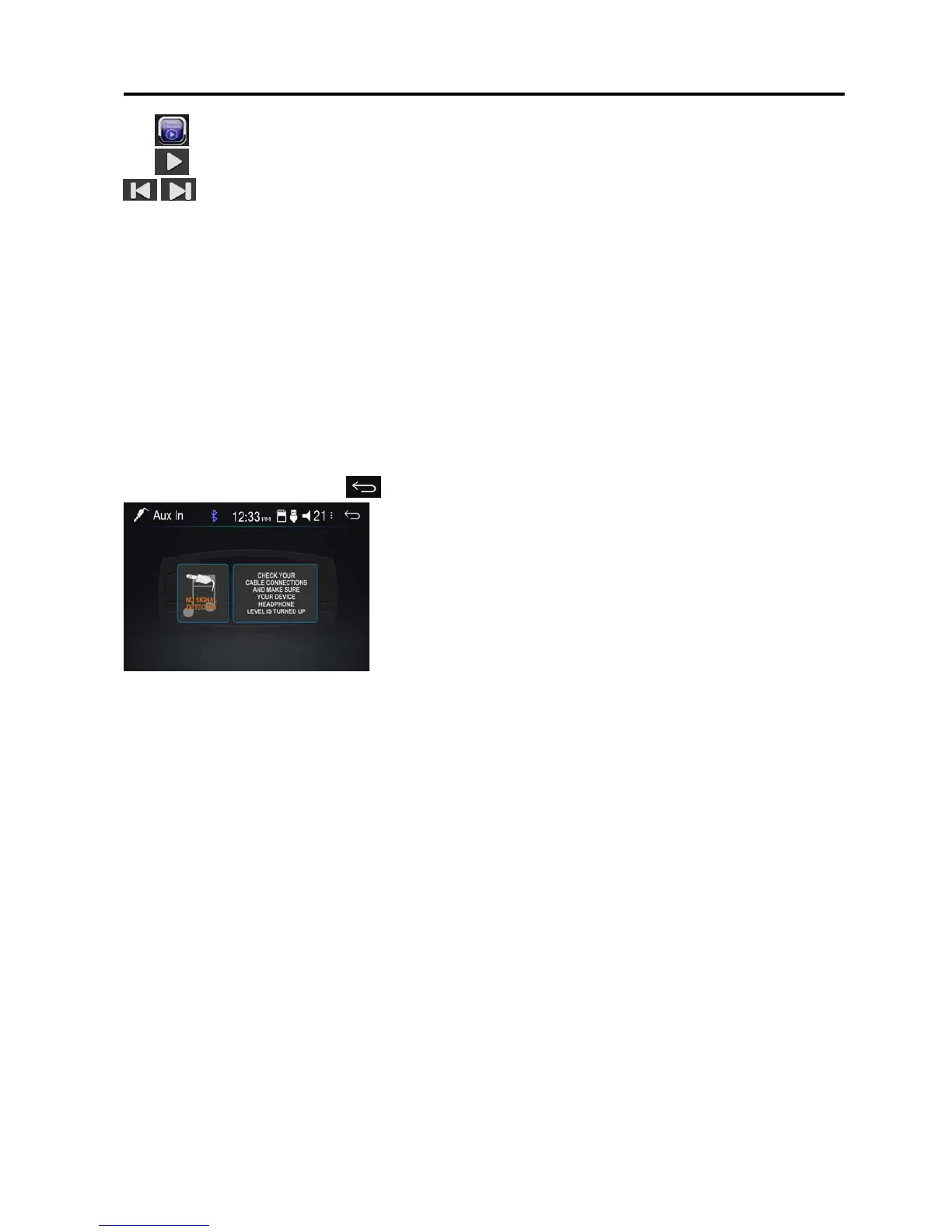
Note: Aux-In does not support a video display function. So, there is “NO SIGNAL DETECTED” displayed
if no audio signal input. Press the icon to be back to main menu.
13


 To Next Page