BASIC OPERATION
-12-
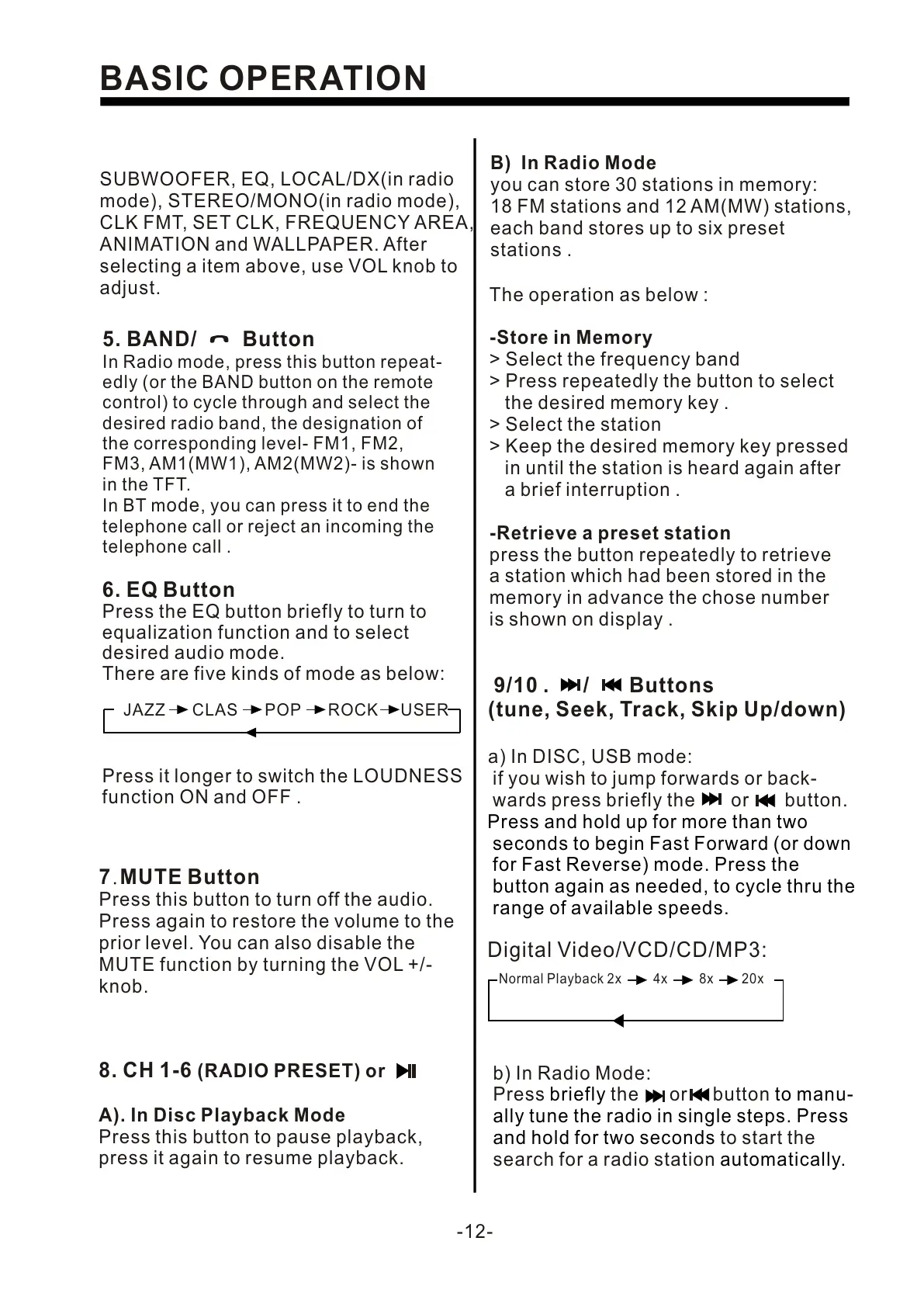
8. CH 1-6 (RADIO PRESET) or
A). In Disc Playback Mode
Press this button to pause playback,
press it again to resume playback.
7.MUTE Button
Press this button to turn off the audio.
Press again to restore the volume to the
prior level. You can also disable the
MUTE function by turning the VOL +/-
knob.
6. EQ Button
Press the EQ button briefly to turn to
equalization function and to select
desired audio mode.
There are five kinds of mode as below:
Press it longer to switch the LOUDNESS
function ON and OFF .
JAZZ CLAS POP ROCK USER
5. BAND/ Button
In Radio mode, press this button repeat-
edly (or the BAND button on the remote
control) to cycle through and select the
desired radio band, the designation of
the corresponding level- FM1, FM2,
FM3, AM1(MW1), AM2(MW2)- is shown
in the TFT.
odeIn BT m , you can press it to end the
telephone call or reject an incoming the
telephone call .
B) In Radio Mode
you can store 30 stations in memory:
18 FM stations and 12 AM(MW) stations,
each band stores up to six preset
stations .
The operation as below :
-Store in Memory
> Select the frequency band
> Press repeatedly the button to select
the desired memory key .
> Select the station
> Keep the desired memory key pressed
in until the station is heard again after
a brief interruption .
-Retrieve a preset station
press the button repeatedly to retrieve
a station which had been stored in the
memory in advance the chose number
is shown on display .
9/10 . / Buttons
(tune, Seek, Track, Skip Up/down)
a) In DISC, USB mode:
if you wish to jump forwards or back-
wards press briefly the or button.
Press and hold up for more than two
seconds to begin Fast Forward (or down
for Fast Reverse) mode. Press the
button again as needed, to cycle thru the
range of available speeds.
Digital Video/VCD/CD/MP3:
Normal Playback 2x 4x 8x 20x
b) In Radio Mode:
Press the or button
to start the
search for a radio station
briefly to manu-
ally tune the radio in single steps. Press
and hold for two seconds
automatically.
SUBWOOFER, EQ, LOCAL/DX(in radio
mode), STEREO/MONO(in radio mode),
CLK FMT, SET CLK, FREQUENCY AREA,
ANIMATION and WALLPAPER. After
selecting a item above, use VOL knob to
adjust.


 To Next Page
 Loading...