BASIC OPERATION
-15-
Note:
Please set the playing time of the ani-
mation to “ 10S ” for the first, when you
turn the unit on .
Only in the RADIO mode, Longer (more
than 2’s) press the SEL button and then
shortly press it to select the Animation
item, then you can use the VOL+/- knob
to change the playing time of animation
among “OFF, 10S, 30S, 1M, 1.5M,2M,
3M and 4M ”.
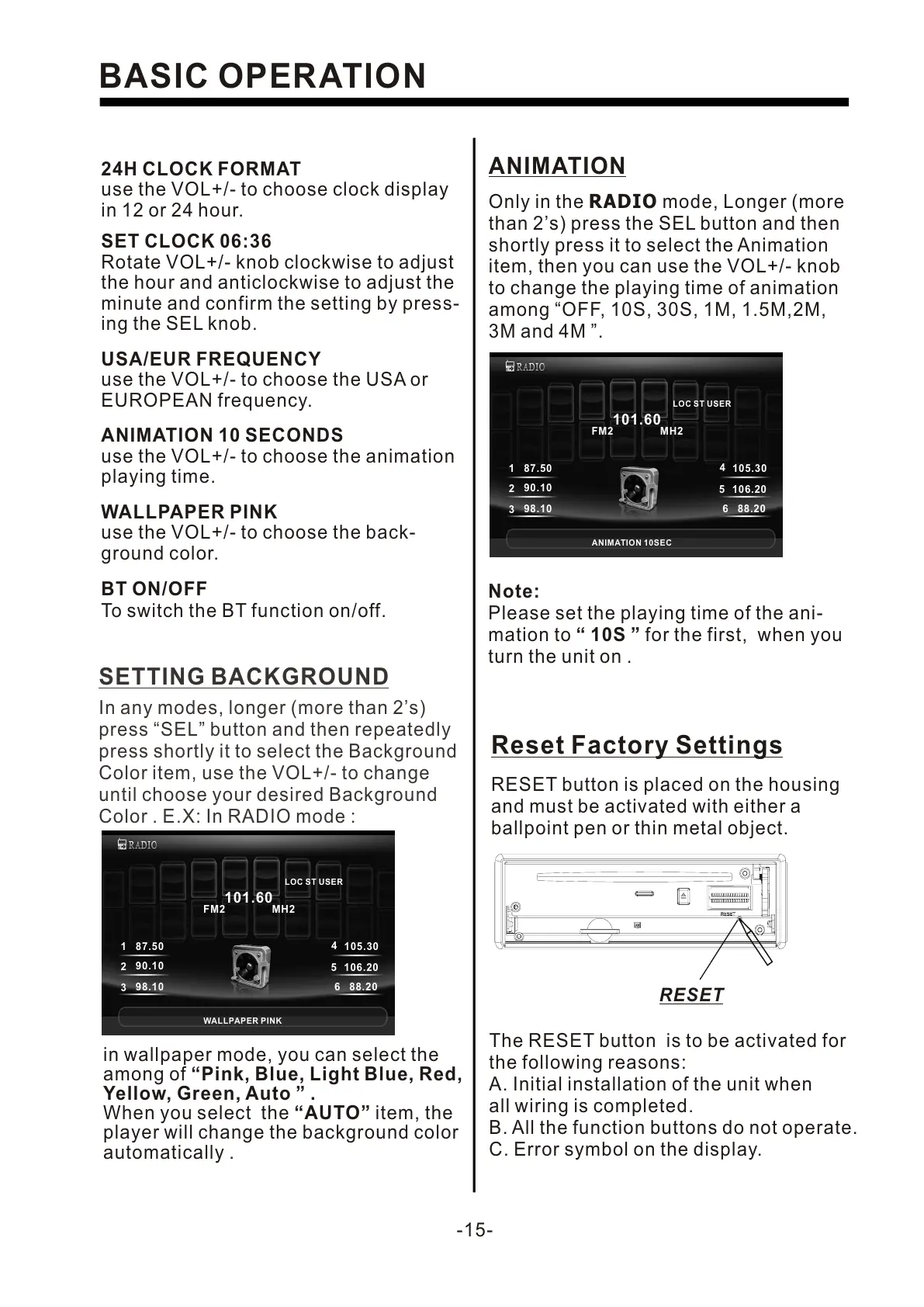
ANIMATION
In any modes, longer (more than 2’s)
press “SEL” button and then repeatedly
press shortly it to select the Background
Color item, use the VOL+/- to change
until choose your desired Background
Color . E.X: In RADIO mode :
SETTING BACKGROUND
in wallpaper mode, you can select the
among of “Pink, Blue, Light Blue, Red,
Yellow, Green, Auto ” .
When you select the “AUTO” item, the
player will change the background color
automatically .
24H CLOCK FORMAT
use the VOL+/- to choose clock display
in 12 or 24 hour.
SET CLOCK 06:36
Rotate VOL+/- knob clockwise to adjust
the hour and anticlockwise to adjust the
minute and confirm the setting by press-
ing the SEL knob.
USA/EUR FREQUENCY
use the VOL+/- to choose the USA or
EUROPEAN frequency.
ANIMATION 10 SECONDS
use the VOL+/- to choose the animation
playing time.
WALLPAPER PINK
use the VOL+/- to choose the back-
ground color.
The RESET button is to be activated for
the following reasons:
A. Initial installation of the unit when
all wiring is completed.
B. All the function buttons do not operate.
C. Error symbol on the display.
Reset Factory Settings
RESET button is placed on the housing
and must be activated with either a
ballpoint pen or thin metal object.
RESET
BT ON/OFF
To switch the BT function on/off.
LOC ST USER
101.60
FM2 MH2
1
87.50
2
90.10
3
98.10
4
105.30
5
106.20
6
88.20
WALLPAPER PINK
LOC ST USER
101.60
FM2 MH2
1
87.50
2
90.10
3
98.10
4
105.30
5
106.20
6
88.20
ANIMATION 10SEC


 To Next Page
 Loading...