BASIC OPERATION
-27-
Note:
a). Before using the function of the BT
about the unit , please check your
phone’s instruction guide or contact
phone manufacture if you are not sure if
your phone supports the hands-free
BT function .
b). When operating the function of BT
about the unit , you need make your
call-phone and the unit successfully for
one time. Afterwards, you only need to
take on the power and the function of
BT will work in three minutes automati-
cally if you want to operate the function
of BT .
c). If you want not to use the function of
the BT about the unit , you can long
press the SEL button and rotate the VOL
knob to set the BT OFF .
Adjust the Volume
During conversation in progress, tune
the Volume switch until you reach the
desired volume level.
End/Reject a call
In BT phone menu, press the “ ” button
briefly on the remote control , the screen
will display “CALL HOOKED / CALL
EJECTED” .
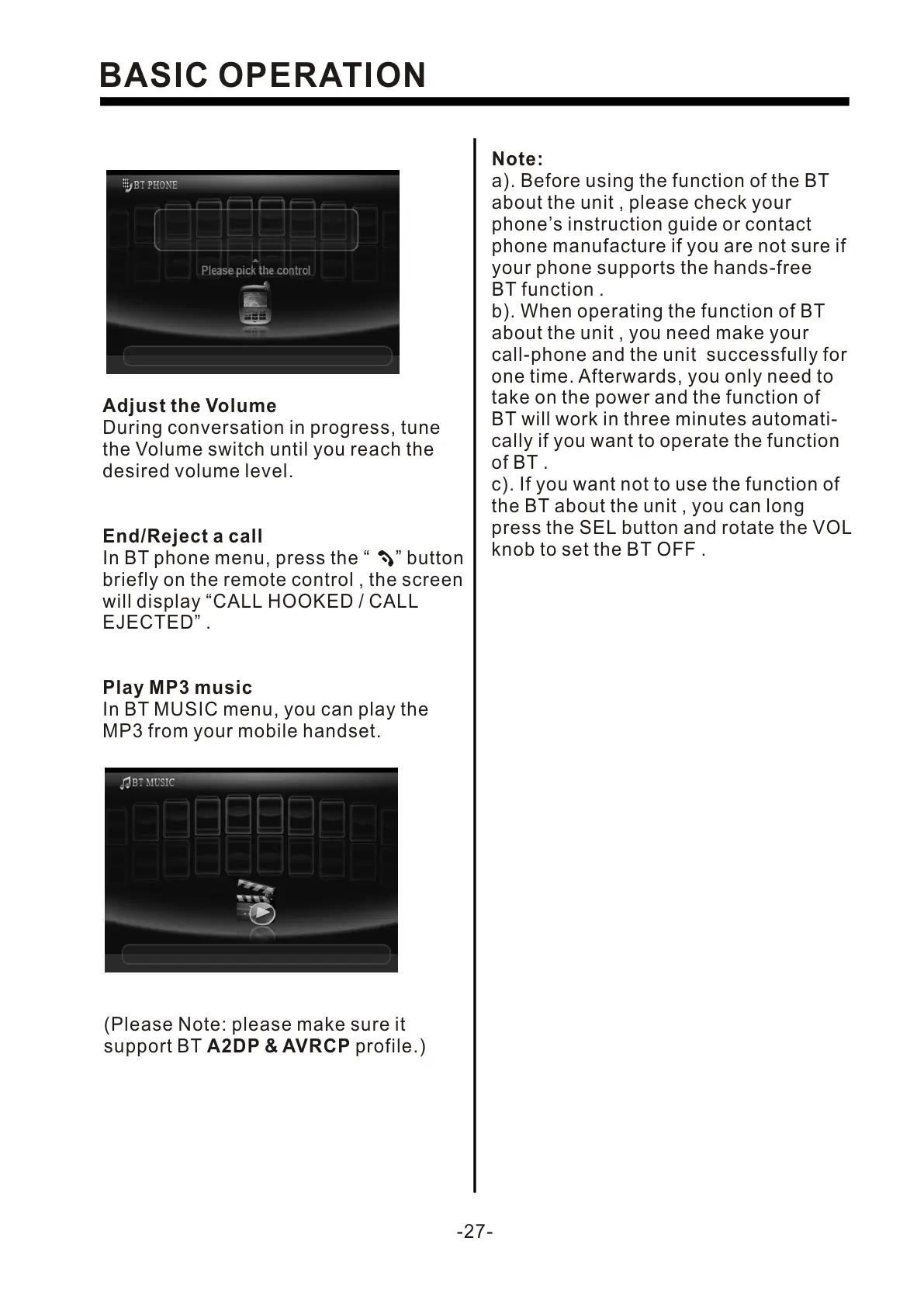
Play MP3 music
In BT MUSIC menu, you can play the
MP3 from your mobile handset.
(Please Note: please make sure it
support BT A2DP & AVRCP profile.)


 To Next Page
 Loading...