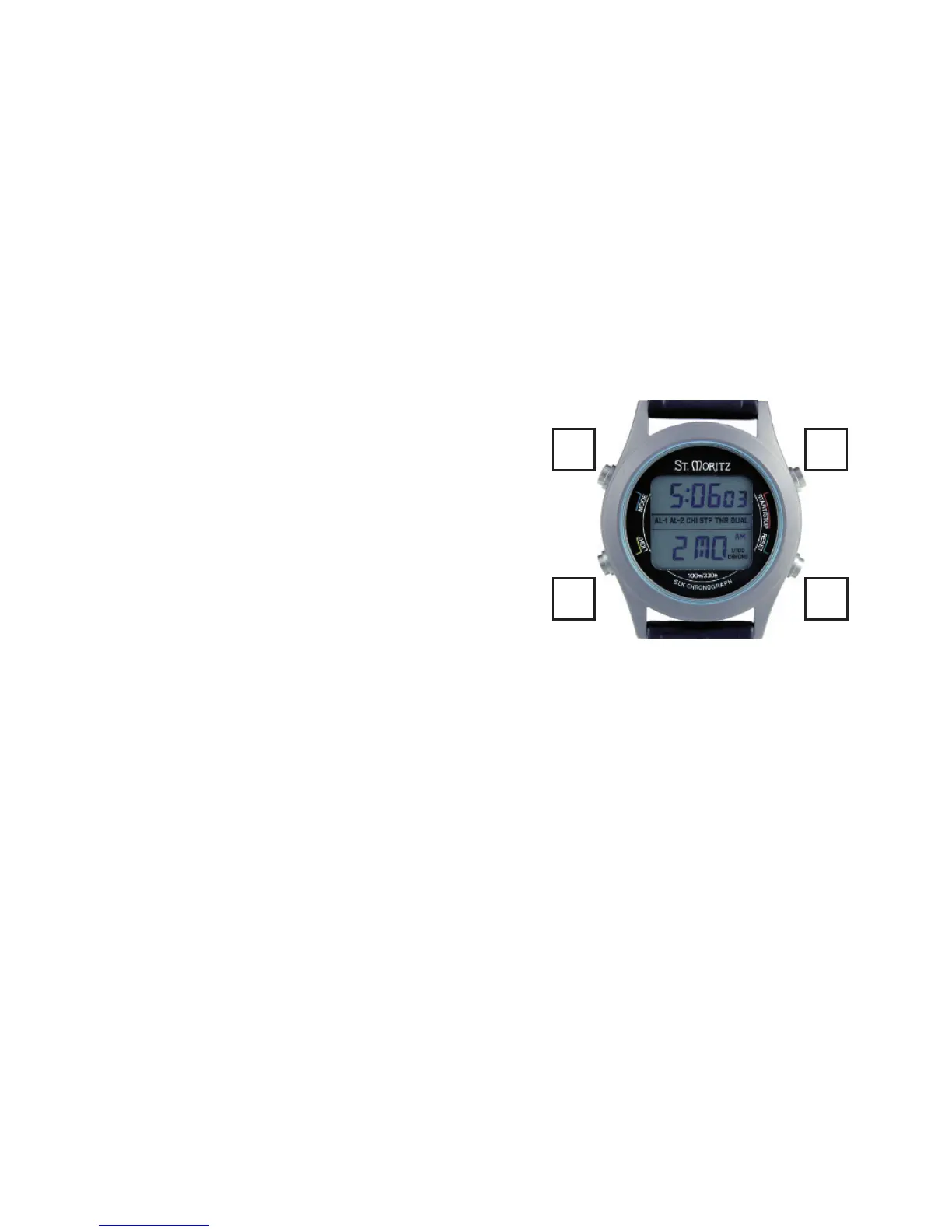
THE MODE BAR.
The key to using your watch is the mode bar (the bar
across the middle of the display). This tells you what
mode your SLK is in. Switch modes by pressing the
Mode button (M).
THE NORMAL MODE
is for everyday use. In this mode the time is displayed
in the upper display and the date in the lower display.
(In all other modes, the time is displayed in the lower
display).
In the Normal Mode, any special function, which is
active, will show with a solid underline in the Mode bar.
(CHI: to arm the Chime so your watch sounds a reminder chime every hour on the hour, in the
Normal mode, press S and R simultaneously. To disarm, press both buttons again.)
S
L
M
R



 To Next Page