EasyManua.ls Logo

Stage right LP3 Looper - Functions; Operation and LED Indicators

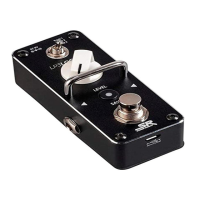
Stage right LP3 Looper
4 pages
Print Icon
To Next Page IconTo Next Page
To Previous Page IconTo Previous Page
Loading...
3
FUNCTIONS
Operation
Function
LED
Press switch
Start recording
Red
Press switch while
recording
Playback track
Green
Press switch during
playback
Overdub
Red
Press and hold switch
during playback
Delete or recover
the previous layer
Flashing Green
Double press switch
during playback
Stop playback
Flashing Green
Press and hold switch
when not recording
Delete all files
Off
Press and hold SAVE
when not recording
Save files
Flashing Red
OPERATION
Connect the input and output cables, then connect an AC
power adapter. If there is no data inside the selected track, the
LED will be off. If the LED is flashing green, playback of the
previously recorded track is paused.
During playback, press the switch to overdub. The LED changes
from green to red.