EasyManua.ls Logo

Stahl is1+ 9442/35 Series - User Manual

Stahl is1+ 9442/35 Series
52 pages
Go to English
Print Icon
To Next Page IconTo Next Page
Loading...
DE
EN
DE
EN
DE
EN
DE
EN
DE
EN
DE
EN
DE
EN
DE
EN
DE
Betriebsanleitung
Operating instructions
Additional languages www.r-stahl.com
DE EN
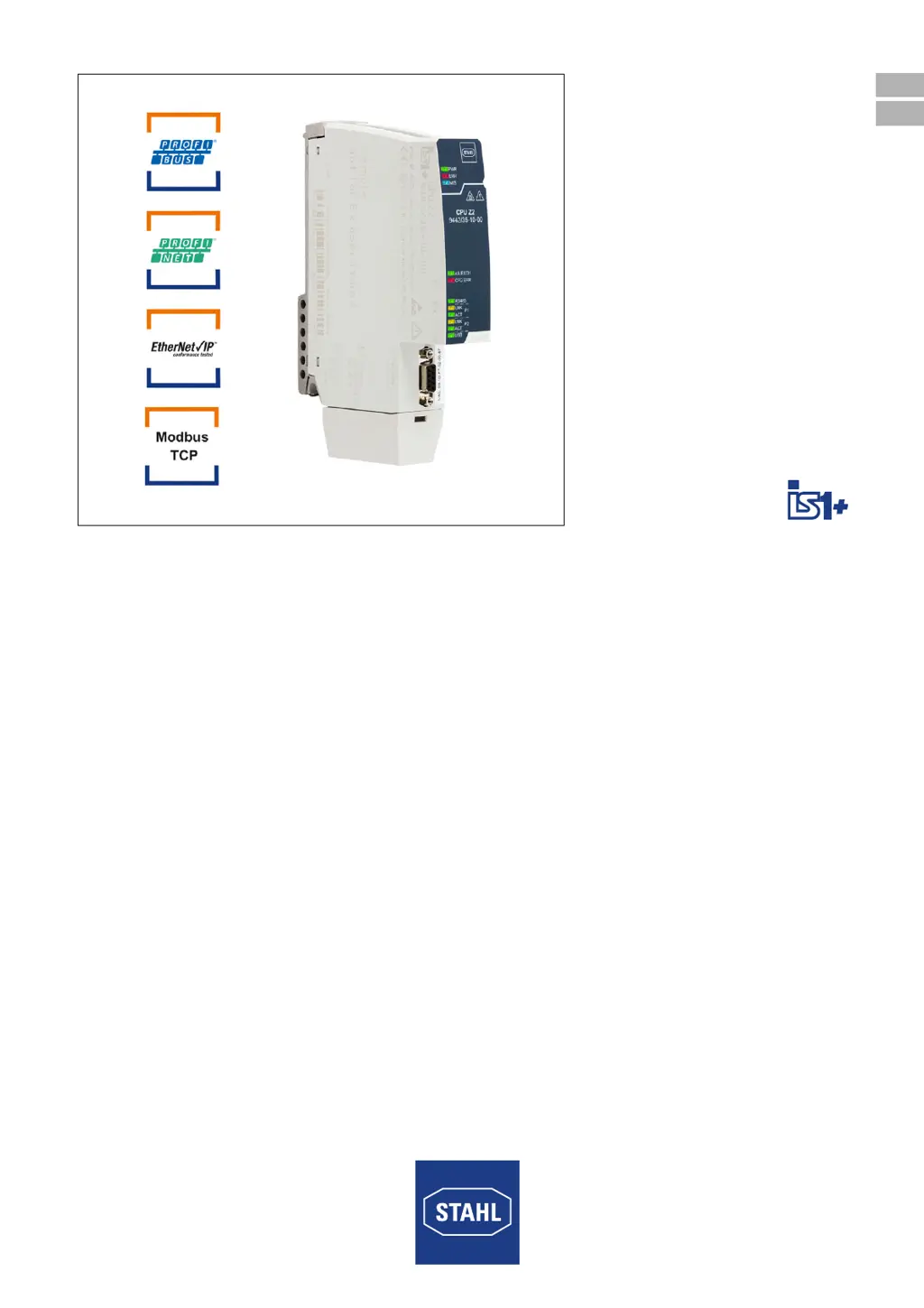
CPU-Modul für Zone 2
CPU module for Zone 2
Reihe 9442/35
Series 9442/35
F
ü
r
k
ü
n
f
t
i
g
e
V
e
r
w
e
n
d
u
n
g
a
u
f
b
e
w
a
h
r
e
n
!
S
a
v
e
f
o
r
f
u
t
u
r
e
u
s
e
!

Table of Contents

Questions and Answers

  • K
    kathleenhawkinsAug 8, 2025
    Why is the Stahl Computer Hardware "AS EXCH" LED off?
    • L
      Lorraine ColemanAug 8, 2025
      The "AS EXCH" LED is off because there is no data exchange with the master. To resolve this, activate the cyclic data transfer with the master and check the master and bus connection to the CPU.
  • J
    Justin PruittAug 12, 2025
    What to do if the Stahl Computer Hardware "ERR" LED is flashing?
    • C
      Christina SmithAug 12, 2025
      If the "ERR" LED is flashing, it indicates an I/O module common alarm. This can be due to module(s) being interrupted, not available, or incorrectly connected. You should replace the module(s), connect the module(s), or connect the correct module(s).
  • S
    sjacksonAug 16, 2025
    What to do if the Stahl Computer Hardware "CFG ERR" LED is lit?
    • V
      valerie12Aug 16, 2025
      If the "CFG ERR" LED is lit, it means the configuration was not loaded. To fix this, load the configuration of the master on the IS1+ CPU.
  • P
    peggygrossAug 21, 2025
    What to do if the Stahl Computer Hardware "CFG ERR" LED is flashing?
    • B
      Blake IbarraAug 21, 2025
      If the "CFG ERR" LED is flashing, it indicates that the configuration is not identical between the CPU and master. To solve this, load the configuration of the master on the IS1+ CPU.
  • A
    Alexandria NelsonAug 26, 2025
    How to fix Stahl Computer Hardware when "M/S" LED is flashing?
    • A
      Amy KaufmanAug 26, 2025
      If the "M/S" LED is flashing, it could be due to: * Ambient temperature being outside the specification * The firmware versions of redundant CPUs being different. Reduce the ambient temperature, for example, by means of shading or cooling. Note: If the problem is not eliminated, the module will be permanently damaged. Also, carry out a firmware update.
  • T
    Thomas SchneiderAug 30, 2025
    What does it mean when the Stahl Computer Hardware "M/S" LED is lit?
    • J
      Jessica MejiaAug 30, 2025
      When the "M/S" LED is lit, it means the module is damaged due to excessive temperature or the end of its service life has been reached. Replace the module as soon as possible (within the next 12 months), otherwise there is a risk of module failure.
  • R
    Robert AdamsSep 2, 2025
    What to do if Stahl is1+ 9442/35 "PWR" LED is off?
    • M
      Matthew LewisSep 3, 2025
      If the "PWR" LED is off, it indicates that the power supply to the CPU module is interrupted. Check that the connection is correct and the power module is intact. Check that the base is intact. Check that the CPU module is mounted correctly on the base. If necessary, replace the CPU module.

Stahl is1+ 9442/35 Series Specifications

General IconGeneral
BrandStahl
Modelis1+ 9442/35 Series
CategoryComputer Hardware
LanguageEnglish