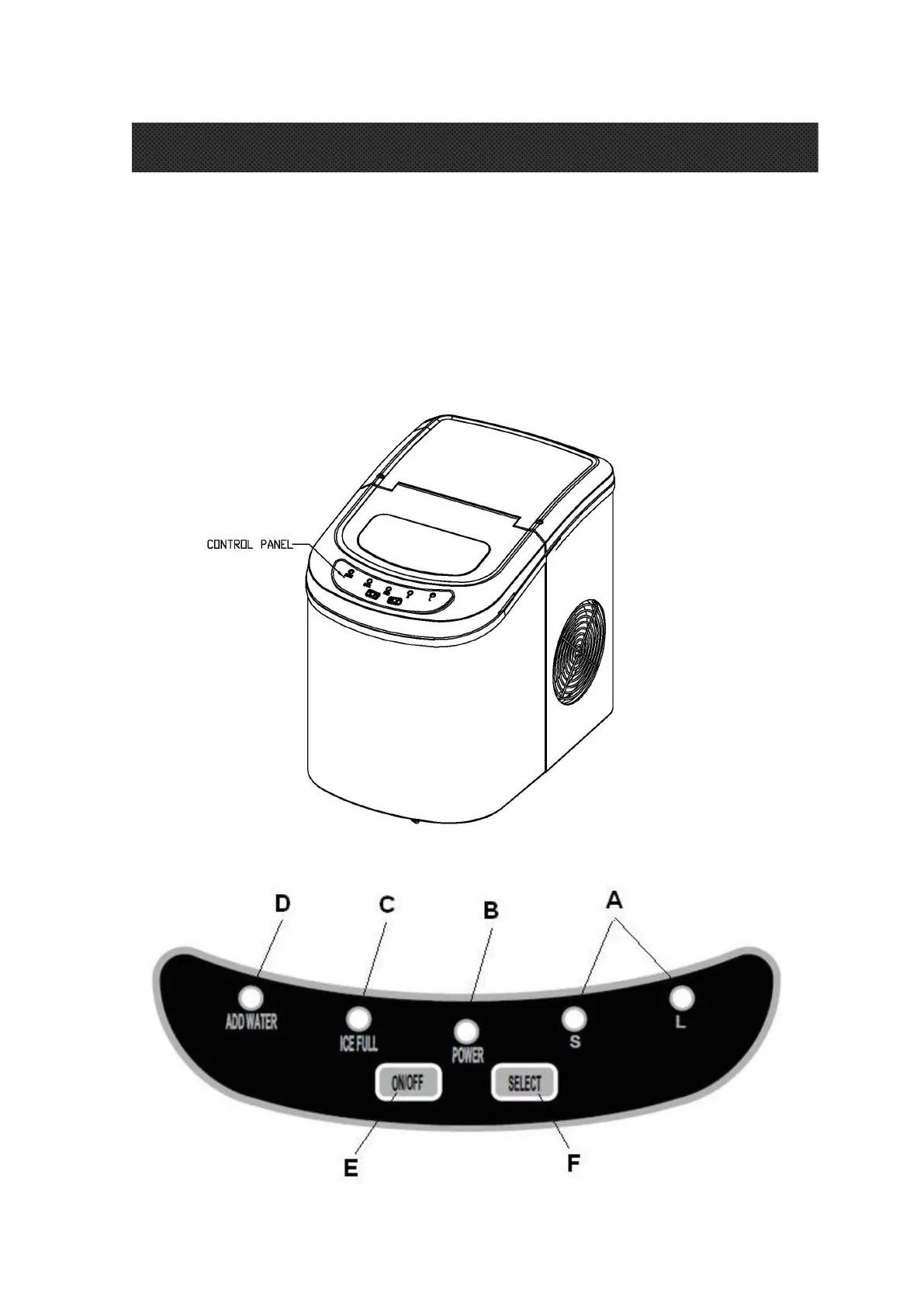
Postion of control panel & function
Control Panel: Easy to use, visible functions touch display setting.
A. Selected ice size displaying: Small and Large.
B. Power indicator
C. Ice-Full indicator
D .Water shortage indicator
E. Button to turn on/off the unit.
F. Button to select ice cube size.
OPERATING PROCEDURES & MAINTENANCE



 To Next Page