EasyManua.ls Logo

Stamford UCI - Page 3

Stamford UCI
52 pages
Print Icon
To Next Page IconTo Next Page
To Previous Page IconTo Previous Page
Loading...
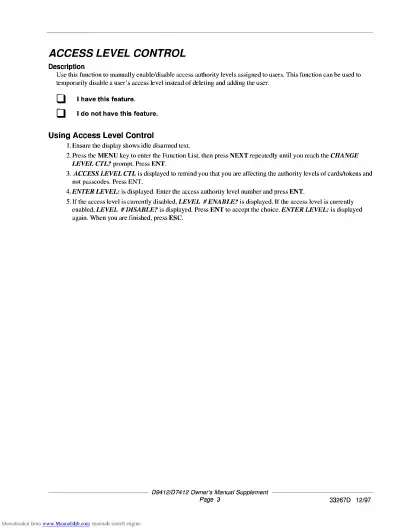
ACCESS
LEVEL
CONTROL
Description
temporarily
disable
a
user’s
access
level
instead
of
deleting
and
adding
the
user.
Q
I
have
this
feature.
Q
I
do
not
have
this
feature.
Using
Access
Level
Control
1.
Ensure
the
display
shows
idle
disarmed
text.
2.
Press
the
MENU
key
to
enter
the
Function
List,
then
press
NEXT
repeatedly
until
you
reach
the
CHANGE
LEVEL
CTL?
prompt.
Press
ENT.
3.
ACCESS
LEVEL
CTL
is
displayed
to
remind
you
that
you
are
affecting
the
authority
levels
of
cards/tokens
and
not
passcodes.
Press
ENT.
4.
ENTER
LEVEL:
is
displayed.
Enter
the
access
authority
level
number
and
press
ENT.
5.
If
the
access
level
is
currently
disabled,
LEVEL
#
ENABLE?
is
displayed.
If
the
access
level
is
currently
enabled,
LEVEL
#
DISABLE?
is
displayed.
Press
ENT
to
accept
the
choice.
ENTER
LEVEL:
is
displayed
again.
When
you
are
finished,
press
ESC.
D9412/D7412
Owner’s
Ma
,

Related product manuals