Click“Save”buttontoconfirmchange.
InstallingtheLANPrinter
InstallingtheLANprinterinWindowsXP:
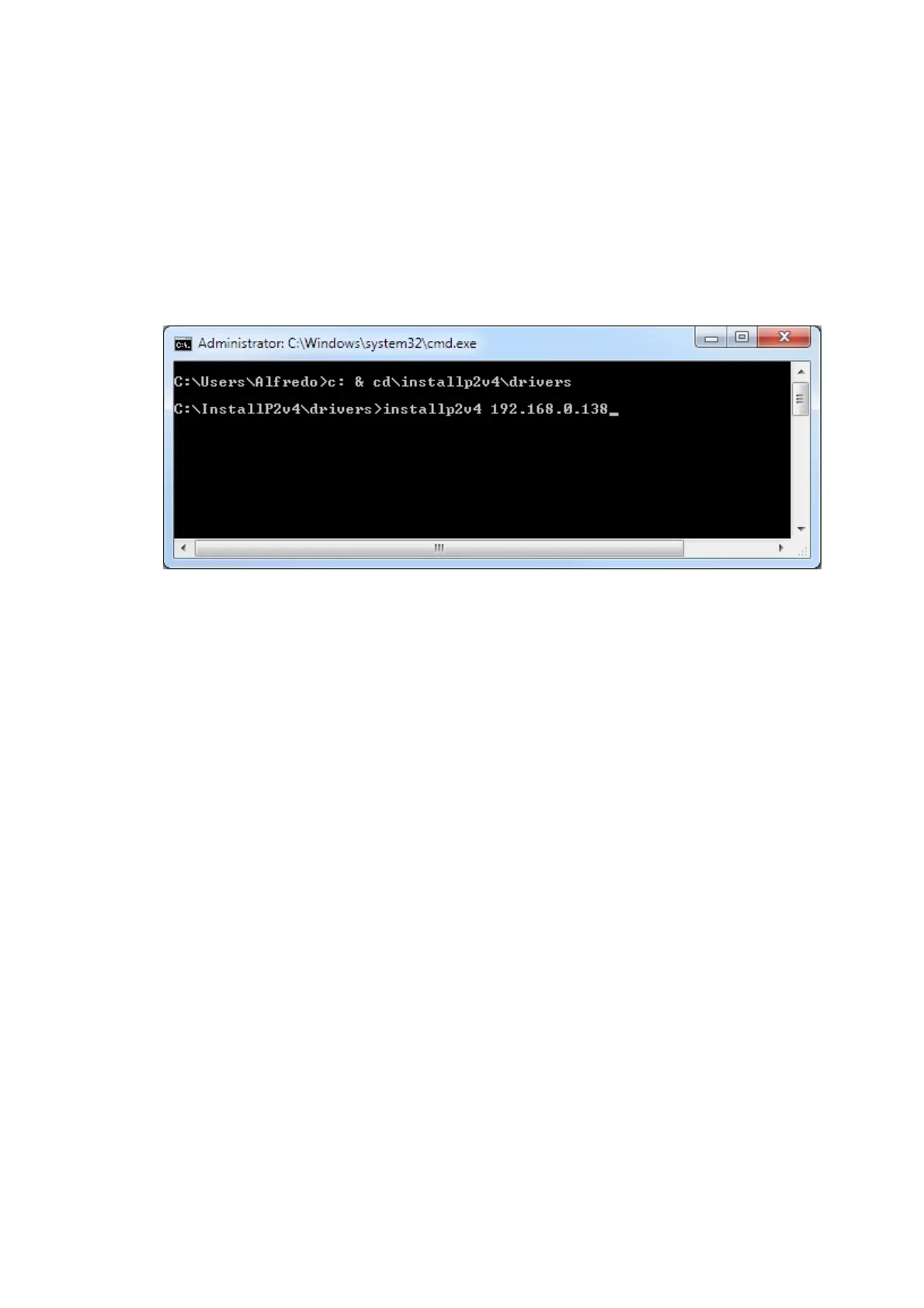
1. OpenaDOSpromptandgotothedriversdirectory
2. Type“installp2v4 ipaddress”whereipaddressistheIPaddressthatyou
haveused(forexampleinstallp2v4 192.168.0.138)
3. PressEnterkey
4. TheprinterwillbeinstalledasStamps.comP2Printer(LAN)
PrintingviaLAN
1. OpentheMSWordfileP2Test.doc
2. FromMSWord,clickFilePrint.Select“Stamps.comP2Printer(LAN)”



 To Next Page