130
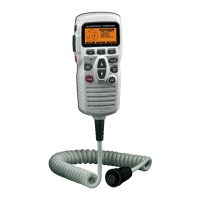
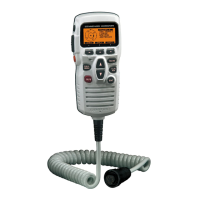
19 SSM-70H
(
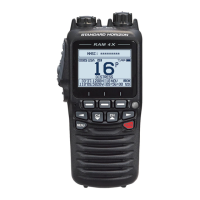
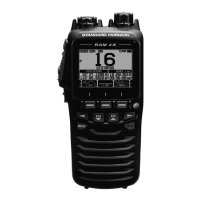
RAM4
)
REMOTE MIC OPERATION
When a remote microphone is connected to the GX6000, all VHF, DSC, setup
menus, AIS, Navigation, GM (Group Monitor) functions and PA/Fog modes can
be remotely operated. The SSM-70H’s operation is same as GX6000 except
the receiver audio volume setting and squelch level setting. The reason for the
same operation is to make the operation of the radio and SSM-70H mic easy. For
specic operation of the SSM-70H mic review sections in the radio manual. The
SSM-70H is supplied with 23 feet (7 m) of routing cable and can be extended
up to 70 feet (21 m) using two 23 feet (7 m) extension cables model CT-100.
The Intercom feature can be used between the SSM-70H and the GX6000. In
addition, speaker wires are supplied at the panel mount of the routing cable for
external speakers to be connected in noisy environments.
19.1 REMOTE MIC CONTROLS
Power/VOL knob
Press and hold this knob to turn the transceiver and the remote mic on or off.
Rotate this knob to adjust the internal speaker volume.
DIAL/ENT knob
While the normal screen is displayed, rotate the DIAL/ENT knob to select
your desired channel. While the MENU screen is displayed, rotate the knob
to select your desired menu item.

 Need help?
 General

 To Next Page