6
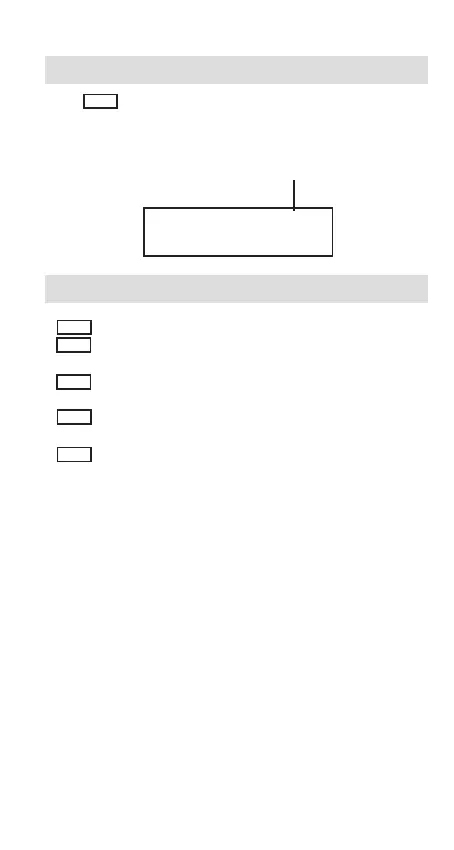
Rounding System Setting
Press RND to set for round-up (UP), round-off (OFF), or cut-off (CUT)
to the pre-selected decimal digits in the result. “UP”, “5/4” or “CUT” indi-
cator will light up accordingly.
Performing Addition, Subtraction, Multiplication and Division
+ Press this key to add the value to total.
– Press this key to subtract the following entered value from
the total.
x Press this key to multiply the display value by the following
entered value.
÷ Press this key to divide the display value by the following
ent er ed value.
= Press this key to calculate the result.
PRINT 5/4 F
0.
The result will be round-off.


 To Next Page
 Loading...