5
Printing Mode Setting
Press P/NP to toggle between printing mode and non-printing mode.
When printing mode is activating, there is a “PRINT” indicator showing
on the top of the display, and the entries and results will appear on dis-
play and will be printed out.
Decimal Point Setting
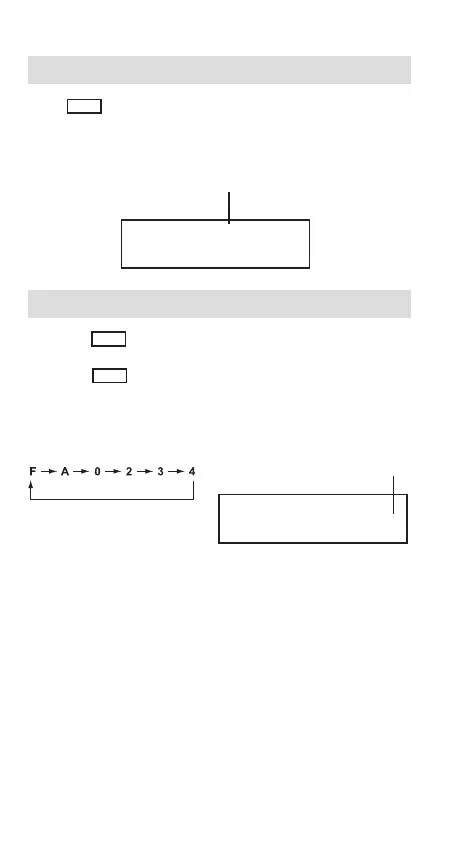
• Press DEC to designate the decimal point position (A 0 2 3 4 F)
for calculated results.
• Press DEC repeatedly to select the desired position, and the
corresponding indicator (A 0 2 3 4 F) will light up on the right end of
the display.
• When A (Add-Mode) is selected, addition and subtraction functions
are performed with an automatic 2-digit decimal. It is convenient for
currency calculations.
• When F (Floating Decimal Point) is selected, all effective numbers
up to 10 digits are printed or displayed.
PRINT 5/4 F
0.
Printing mode is activating.
0.
2-decimal point is designated
for the calculation results
PRINT 5/4
2


 To Next Page
 Loading...