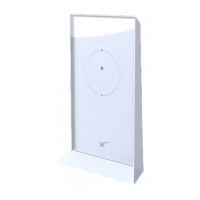
SETUP
Set Up Your Starlink First
Before you begin setting up your Starlink Mesh WiFi Router, make sure your original Starlink is fully set up and connected
per the instructions in the box or on support.starlink.com.
Find a Location for Mesh Nodes
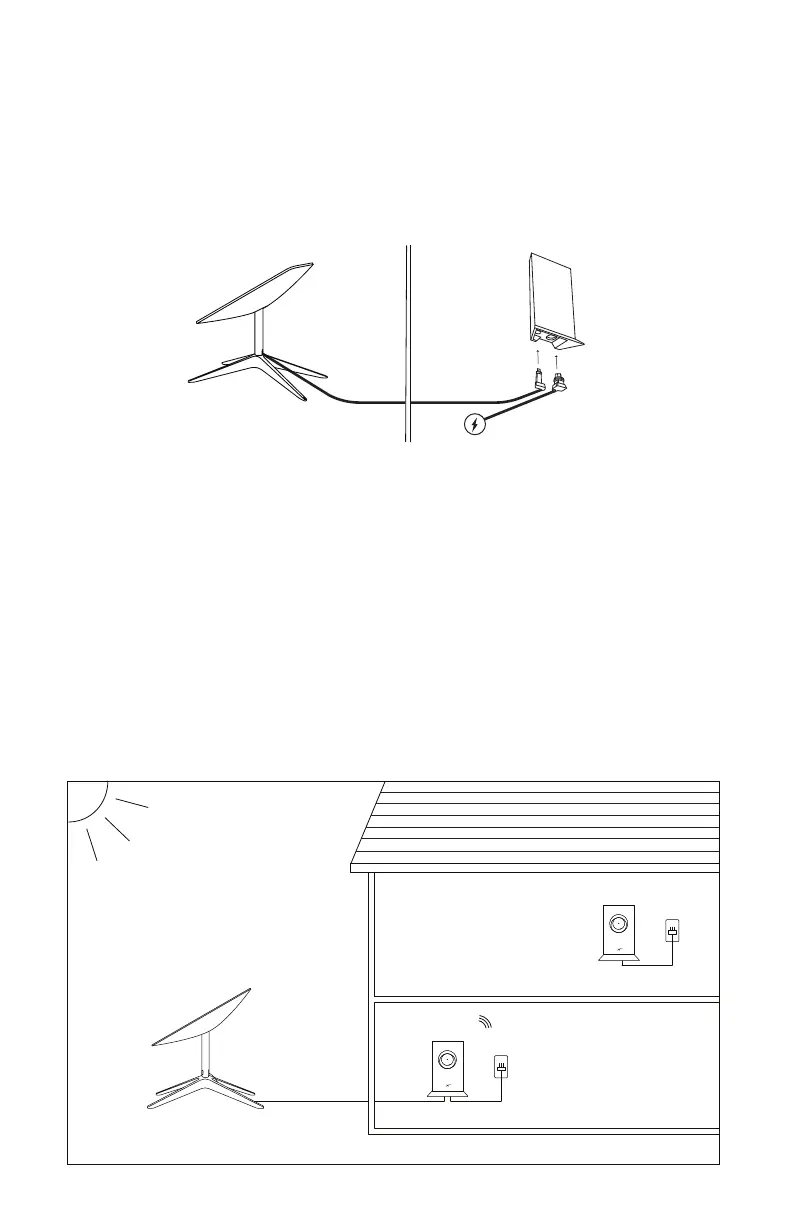
To provide reliable WiFi coverage to every corner of your home, the connection between each Starlink Mesh Wifi Router, or
mesh node, needs to be strong. Make sure your primary Starlink router (from your Starlink Kit) and mesh nodes are evenly
spread out, but not too far from each other.
Mesh nodes work best when they’re no more than one to two rooms apart from each other.
For example, if a room in your house that is 3+ rooms away has a weak connection and you place it in that room, the mesh
node will not be able to connect well to the primary router. Instead, place it in a closer location (about halfway) to the
primary router.
The bigger your house, the more mesh nodes you will need to cover the whole area.
Place your router upright and in an open area and avoid placing it near other objects that will physically block your signal.
Try to place them in an elevated position like on a shelf rather than ground level.
ENGLISH
Starlink
Outdoors Indoors
Router


 To Next Page
 Loading...