INSTALL
2 | Find Mounting Location
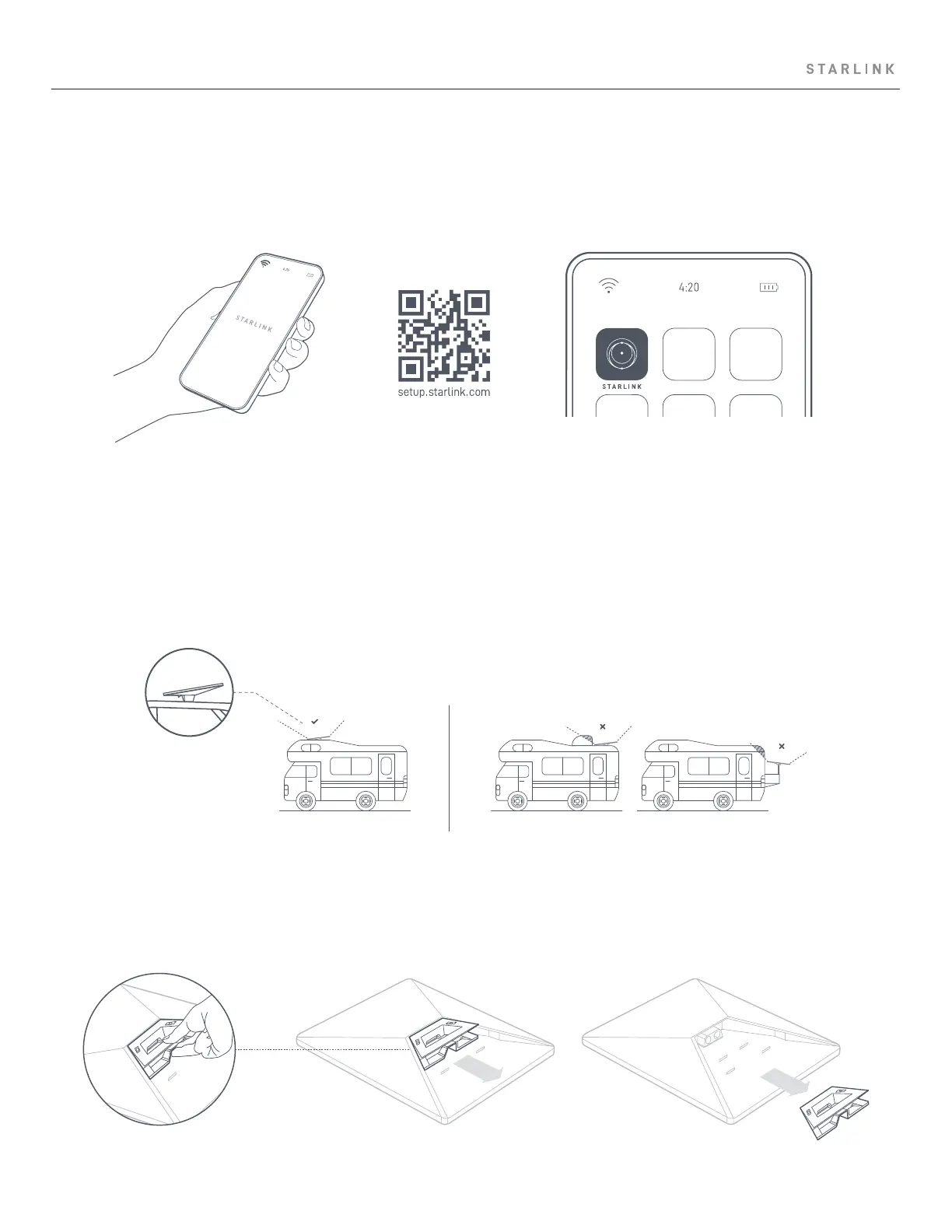
Your Starlink needs a clear view of the sky so it can stay connected with satellites as they move overheard. Objects that obstruct
the connection between your Starlink and the satellite will cause service interruptions. Use the obstructions tool in your App to
ensure you have selected a suitable mounting location.
You will also want to ensure your Starlink is mounted in the correct orientation relative to your vehicle as shown below.
1 | Download the Starlink App
Scan the QR code to download the Starlink App.
3| Remove Kickstand
Squeeze the release tab and pull it away from its fixed location.
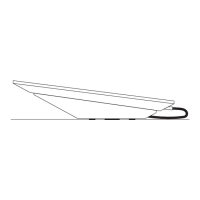
SCREW INSTALLATION



 To Next Page