INSTALL
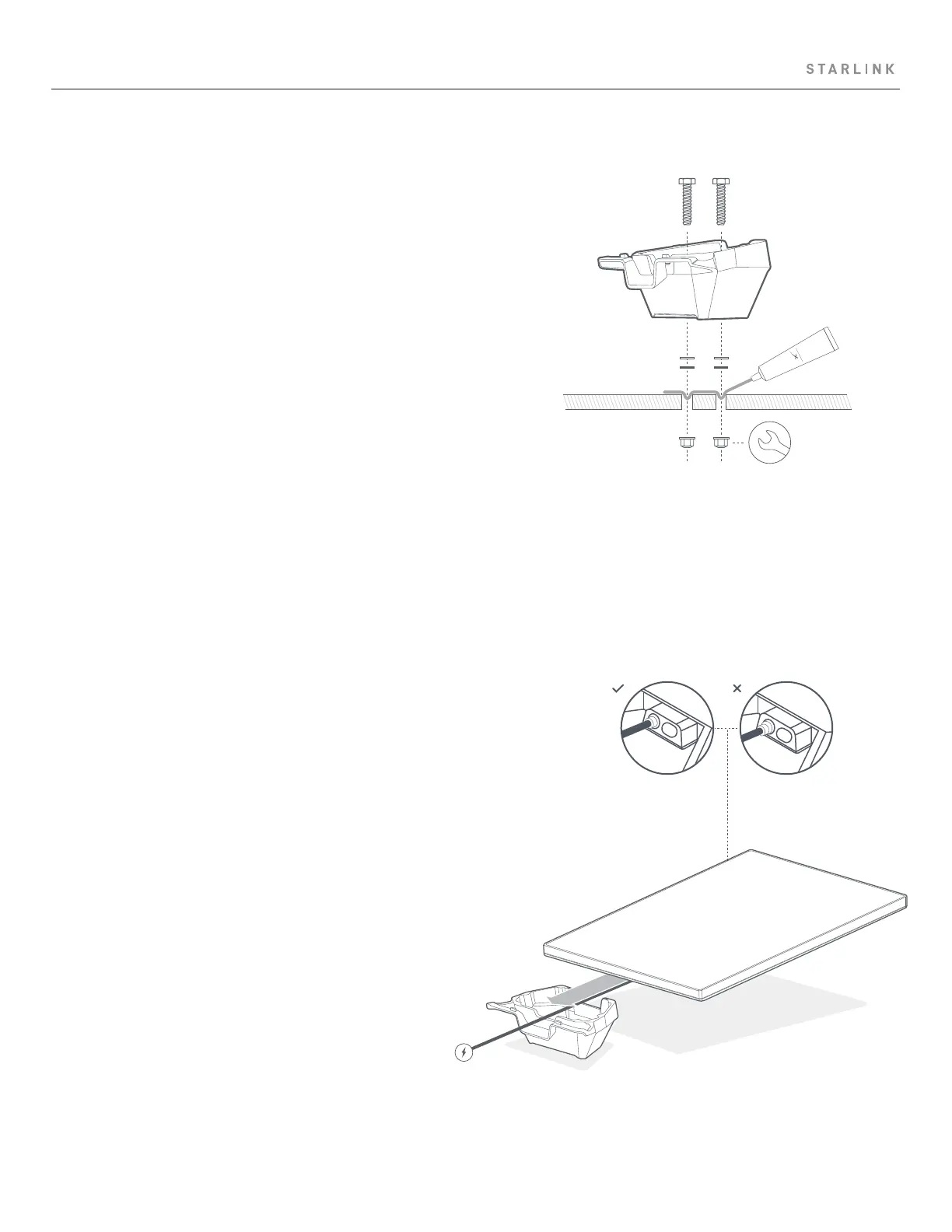
7 | Plug in Cable and Route Through Mobility Mount
Plug the power cable into your Starlink and ensure the cable
is fully inserted.
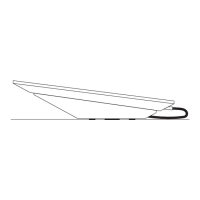
Route the power cable through the opening in the mobility
mount and out the front end.
6 | Secure Mount to Surface
Insert bolts through the mount and install a washer and
sealing washer on the end of each bolt. Insert bolts through
the pre-drilled holes and install a nut on the end of each bolt.
Secure the mount to surface. Using a 10 mm deep-welled
socket is recommended.
silicone



 To Next Page