Instruction Manual
4
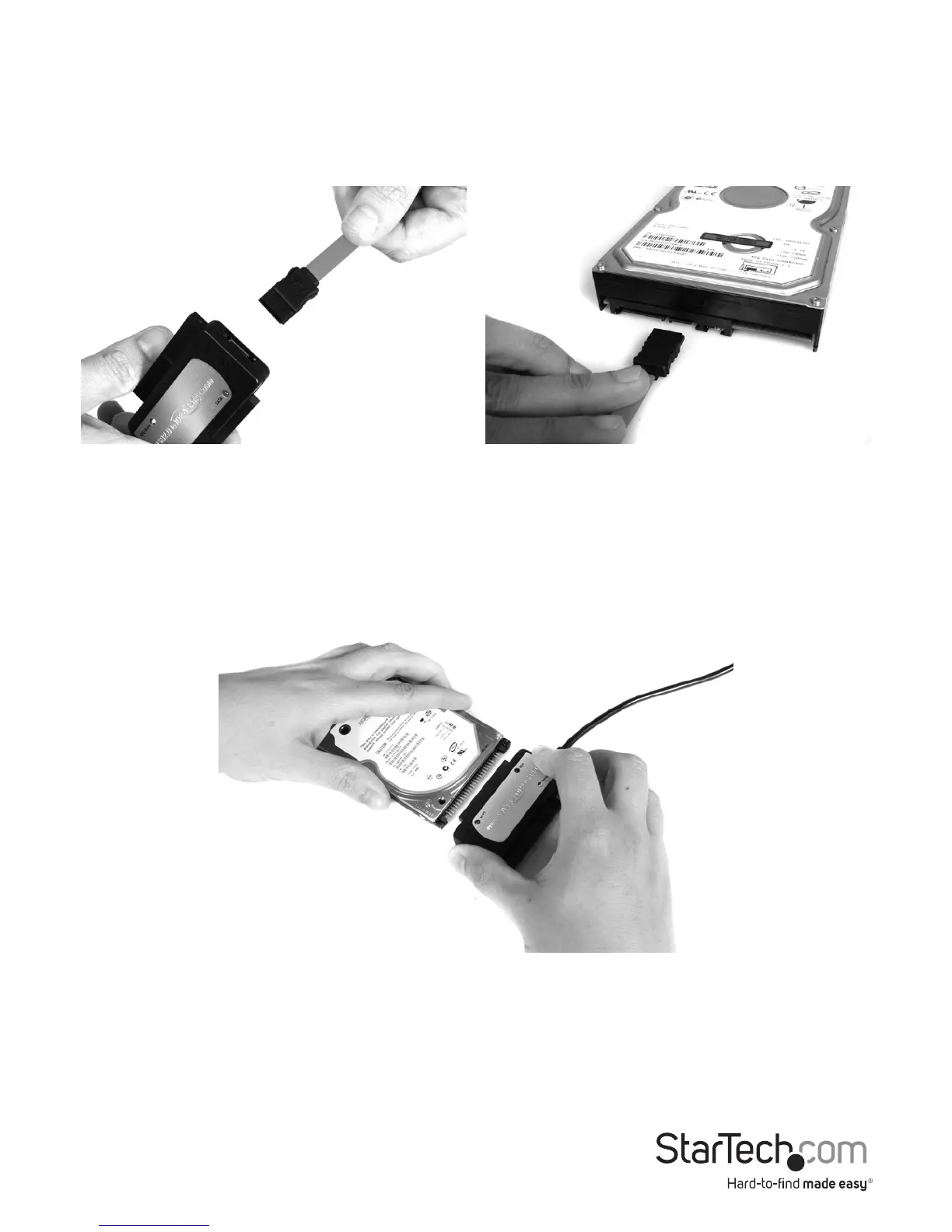
SATA Drive
1. Insert one connector provided by a SATA data cable, into the SATA port on the Hard
Drive Adapter.
2. Insert the remaining connector provided by the SATA data cable, into the SATA data
port on the SATA hard drive.
40/44-pin IDE Drive
1. Align the IDE drive interface on the hard drive with the appropriate port provided
by the hard drive adapter.
2. Gently, but rmly insert the IDE Connector (provided by the adapter) into the port
on the rear panel of the hard drive. Ensure the drive is connected snugly.












 To Next Page