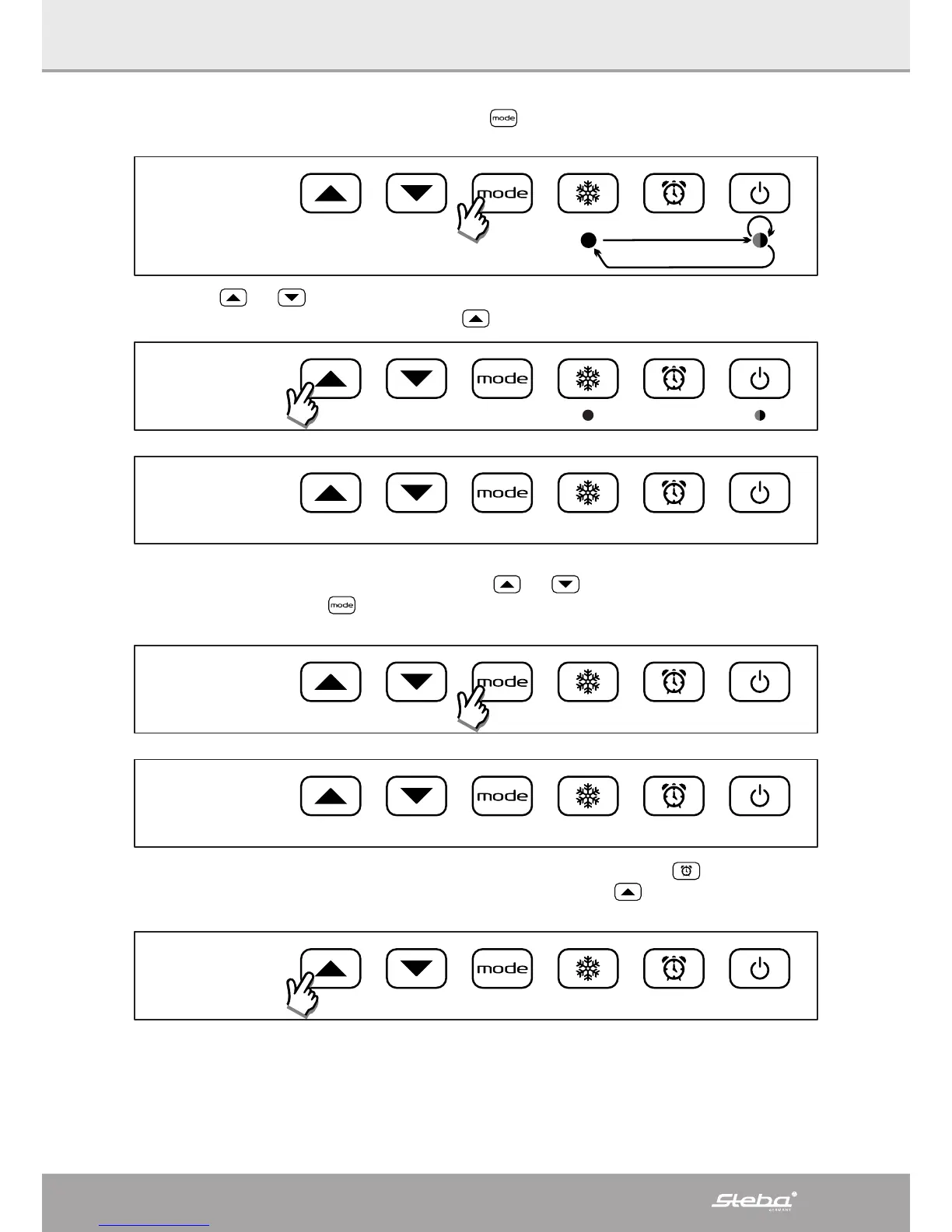
The reference temperature chan be changed by pressing the button. The led light corresponding to each different
temperature (Comfort, Eco or Frost free) will light up in sequence to show the selected reference temperature:
H
:
23
Use the buttons and to show/change the set temperature for each one of the hours of day 1. Once reached
the last hour of the day (23) the next press of the button
allows to enter the programming for day 2:
H
:
23
d
:
2
At this time it is possible to show/change the reference temperature for all the hours of the Day 2 or directly set the
Day 2 identical to Day 1. In the rst case just use the buttons
and as already described for the day 1; in the
second case just press the button
once. In this way the day 2 is automatically set equal to Day 1 and the system
automatically goes at the beginning of Day 3. This procedure can be repeated untill Day 7 programming:
d
:
2
d
:
3
At the end of Day 7 programming, or in any other intermediate step by pressing the button , the nal conrm and
save step is activated. The display shows “End” and the next press of the button
saves the program just shown/
modied:
End



 To Next Page