39
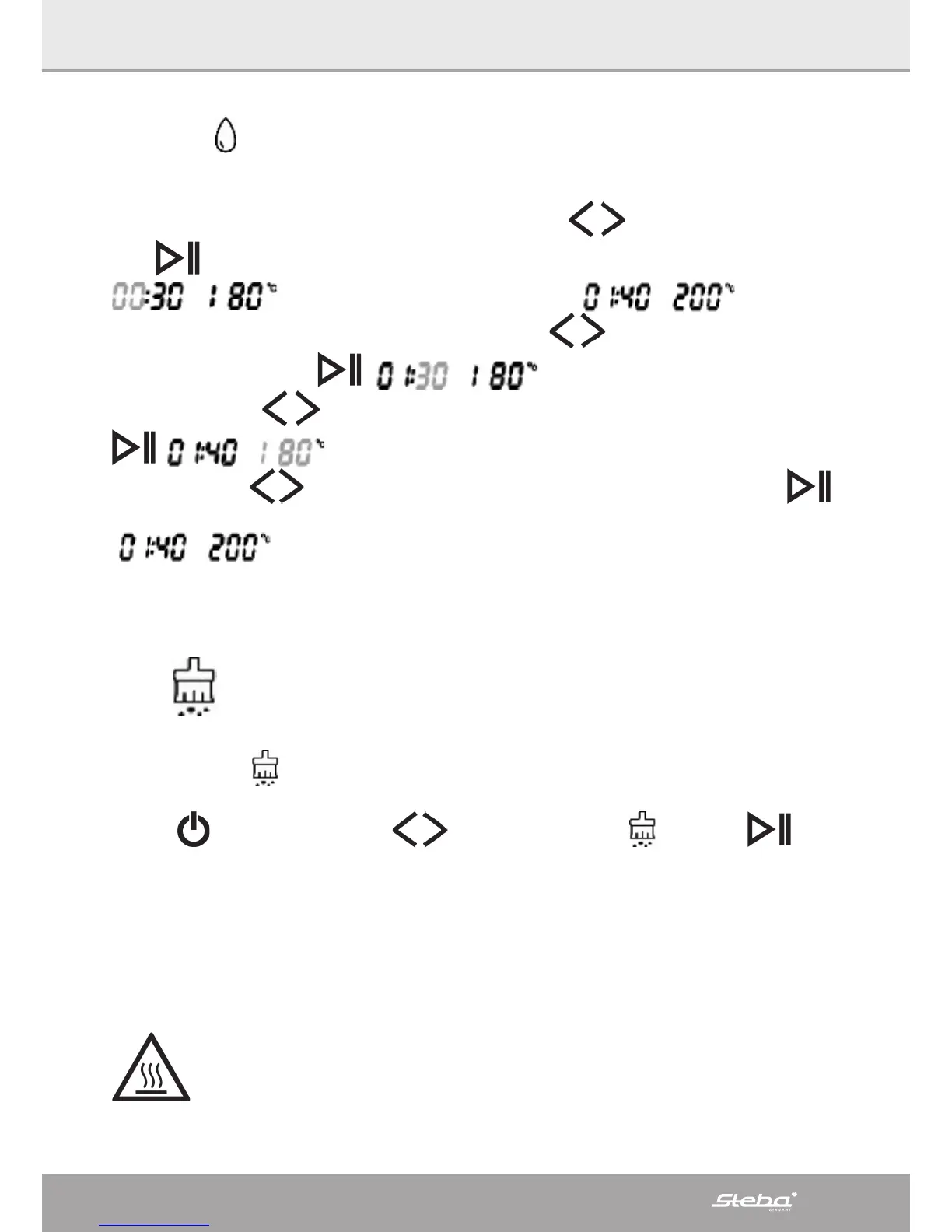
The symbol indicates that the device works with steam.
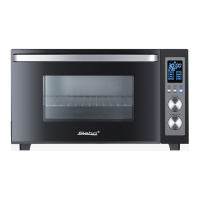
Time and temperature setting
After a function has been chosen with the buttons
, it has to be confirmed
with
in order to set the time and temperature.
those values should be changed to .
The display for the hours flashes, use the buttons
to set the desired hours (1
hour) and confirm with
, 30 min are flashing.
Use the buttons
to set the desired minutes (40 minutes) and confirm with
, 80°C is flashing.
Use the buttons
to set the desired temperature (200°C) and confirm with .
is shown in the display. The device works in the DIY mode.
All time and temperature functions have to be programmed in this order.
Fixed values for time and temperature are excluded.
10) Descaling
∙ After about 50 hours of steaming you will be reminded to descale the device. The
display shows
.
∙ Put coffee machine descaler and water into the water tank.
∙ Press
and use the buttons to select the symbol and press .
∙ The system heats up slowly to 85°C.
∙ After 30 minutes, the device indicates that the tank with the descaler should be
emptied and refilled with pure water.
∙ After another 10 minutes change the water again and restart.
∙ The default time of 50 minutes cannot be changed. At the end of the program, the
device beeps 10 times and goes into standby mode.
Residual heat
This symbol indicates that the interior temperature is higher than 50°C.
the ventilation for cooling keeps running for about 3 minutes in order to
cool the electronics.



 To Next Page