16
How to use
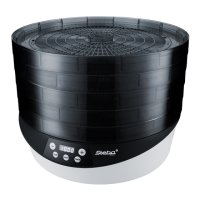
First plug the power cord into the device and only afterwards into the socket. A beep
sounds and “OFF” lights up in the display. The device is in standby mode.
Basic programs
∙ A program is selected by touching the “MENU” button. The selection of the pro-
gram is shown on the display with a lit LED below the respective program name.
∙ If the button is not touched for 5 seconds, the device starts in the respective pro-
gram and the timer begins to run. Within these 5 seconds the time can be changed
with +/-
∙ After the timer has expired, the device switches to standby mode and the display
shows “OFF”
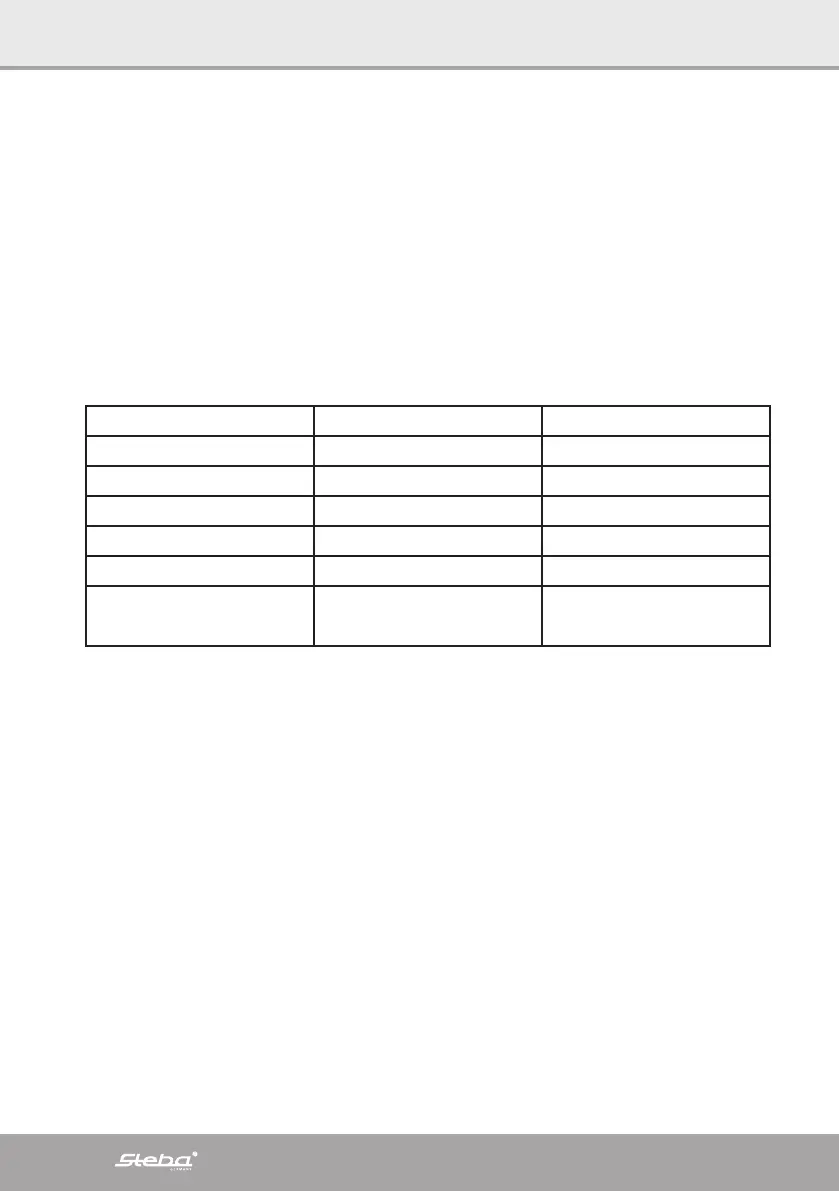
Basic program Basic time in h Modifiable time in h
Yoghurt 8 1 – 24
Cheese 5 1 – 24
Vegan 10 1 – 24
Herbs 4 1 – 240
Ferment 240 1 – 24
DIY 50
30°C Temperature
1 – 99
25 – 65°C
∙ If the “CANCEL” button is touched for more than 5 seconds, the program is can-
celled and “OFF” appears in the display.
∙ Always unplug the power cord after use.
DIY program
∙ If the DIY program is selected, the base temperature 30°C flashes in the display.
∙ The temperature can be changed within 5 seconds with +/- between 25° and 65°C.
The time can then be changed within 5 seconds with +/- between 1 and 99 hours.


 To Next Page