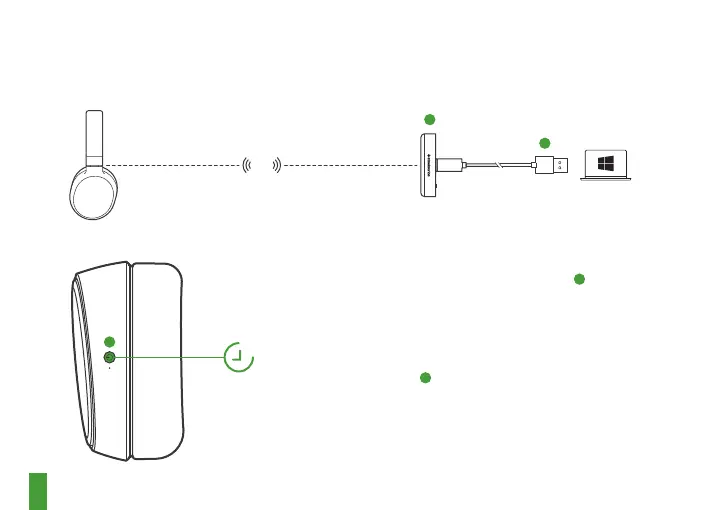
2.4
GHz
8
6s
3
5
11
PAIRING
Note: The headset is already paired with the
transmitter out of the box
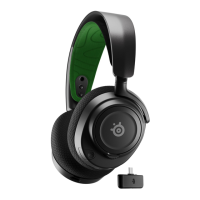
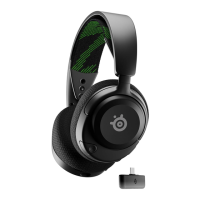
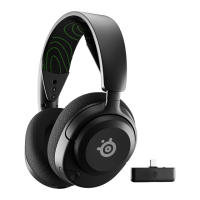
1 Connect the USB-C wireless dongle
3
to a
Windows PC with SteelSeries Engine installed
2 Initiate wireless dongle pairing from Engine
3 With the headset o, press and hold the Power
Button
8
for 6 seconds
4 You will hear a tone when the pairing is
completed





 To Next Page