76
SETUP
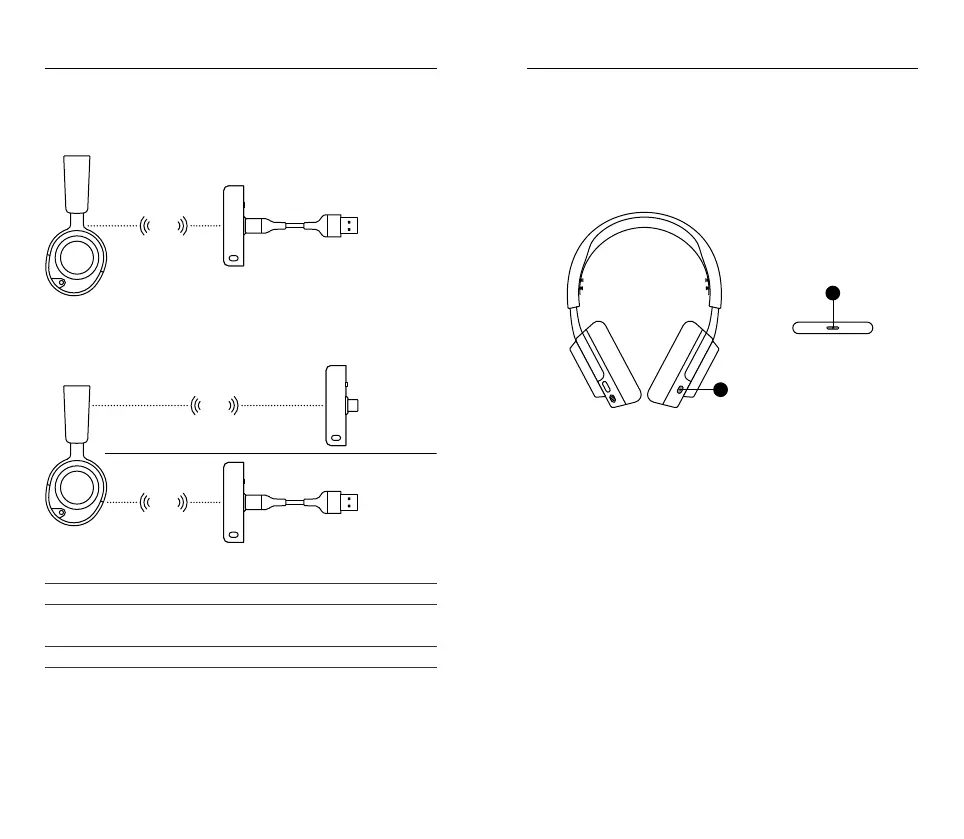
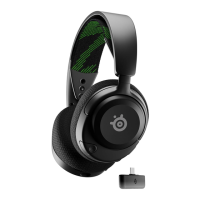
XBOX CONNECTION
Set the Dongle’s Wireless Mode Switch (12) to “Xbox”
OTHER CONNECTIONS
Set the Dongle’s Wireless Mode Switch (12) to “USB”
PS5 SETTING > AUDIO OUTPUT
Output to Headphones All Audio
PS5 SETTING > AUDIO OUTPUT > VOLUME
Headphones Set to Max
Xbox
2.4
GHz
PC
Android
Switch
Mac
PC
2.4
GHz
2.4
GHz
POWER
POWER ON/OFF
Press and hold the Power Button (9) for 1 second to power the headset
on/o.
When the Headset is powered on and connected, the Dongle’s Status LED
(14) turns solid
CHARGING
To charge the headset, connect the Charging Cable* (16) from the
Headset’s USB-C Charging Jack (7) to any USB power source.
The color of the power LED indicates the battery level.
Green 100–50 %
Yellow 49–15 %
Red 14–5 %
Red (fast blink) 4–1 %
9
14




 To Next Page