Steljes Audio . MS2 User Guide 17
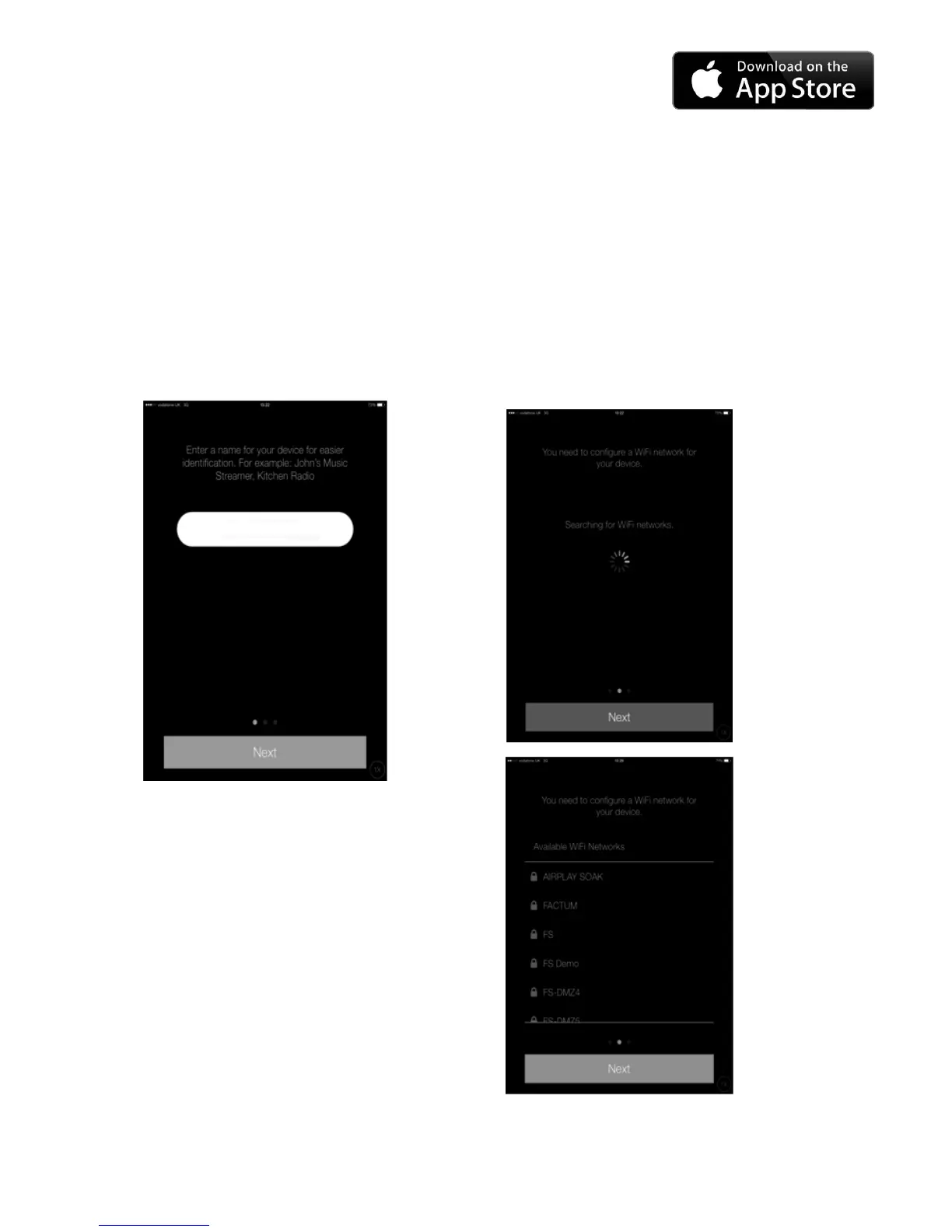
3.5 NAME YOUR MUSIC STREAMER
The next page is for changing the music
streamer to a ‘friendly’ name. The edit box
will be filled with the current friendly name. If
you do not wish to change the name, swipe
to skip to next page.
3.6 SETUP WI-FI (1)
The app will start scanning for available
Wi-Fi networks. After the scan is complete,
a list of Wi-Fi networks is shown. Tap on a
list item to select the network. Swipe to next
page is disabled unless a network is selected.
MS2 Music Streamer



 To Next Page