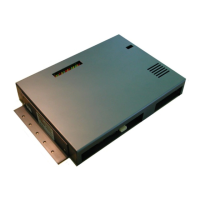
API A065 series Interfacing Via bowling (MC2)/Switch pinsetters
16
A.P.I. Software settings (Wins)
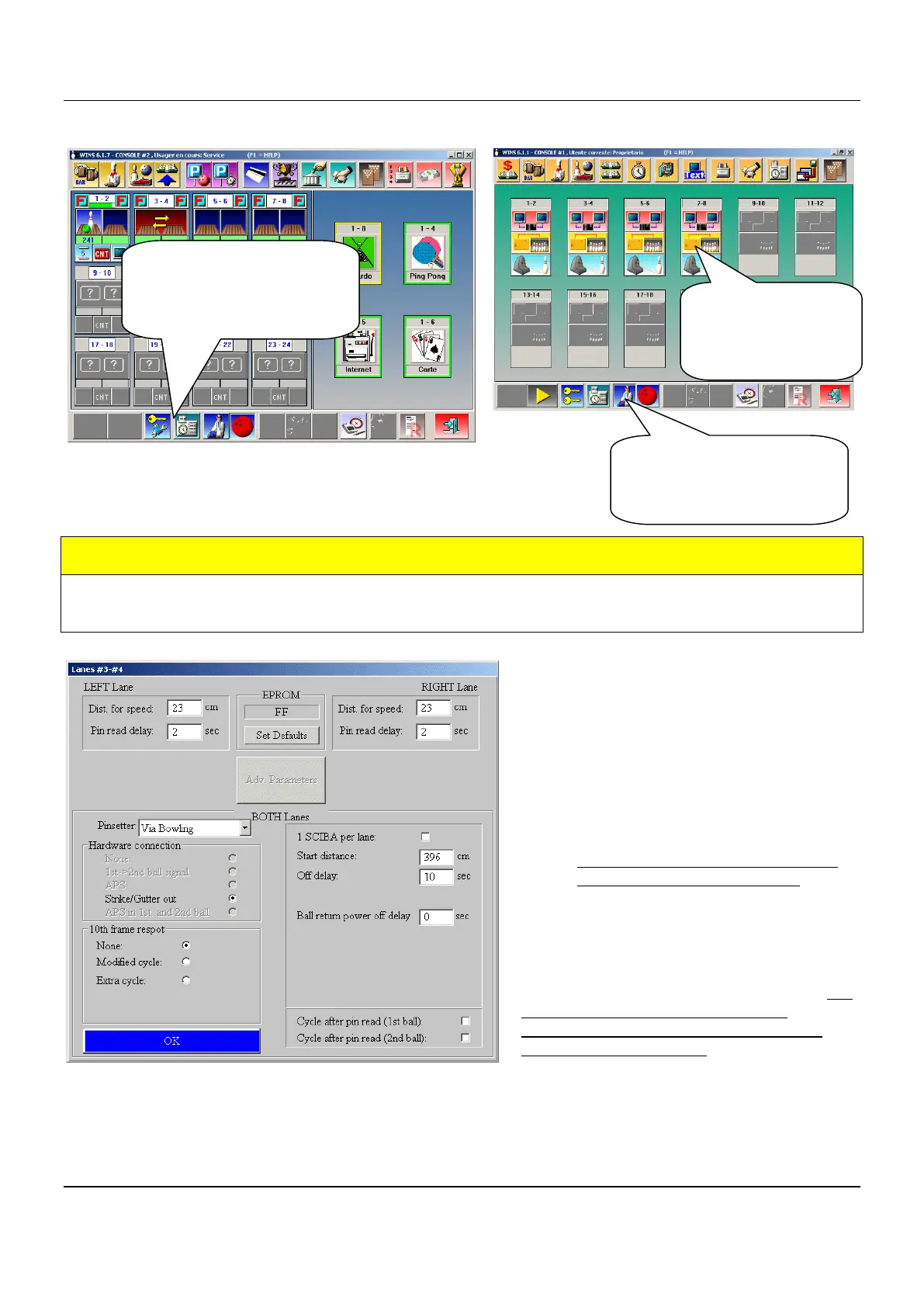
The following operation must be performed from WINS Front DESK, lane by lane or using the
multiple commands for A.P.I. LOGIN AS SERVICE BEFORE BEGIN.
MANDATORY
Via bowling MC2 pinsetter/switch chassis need at least FF version as A.P.I. software.
If the A.P.I. software is previous of FF version, proceed with A.P.I. Firmware upgrade.
The first MANDATORY operation is set the
Pinsetter model (VIA BOWLING) from the
available list, than click on SET DEFAULT.
Note: choose VIA Bowling as pinsetter
setting even if is installed Switch pinsetter
chassis.
1. Select VIA BOWLING from
Pinsetter list.
2. Click on SET DEFAULT button to
load the default parameters.
3. Verify that Hardware connection is
Strike/Gutter out and 10
th
Frame
Respot is Modified cycle.
Adjust the Pin read delay if necessary, but
do not exceed 2.8 seconds or the
pinsetter will not execute correctly the
Strike and Gutter cycle.
The most standard parameters will be selected automatically, like the pins read delay, distance for
speed etc. Vary the parameter only when needed.
Following: list of the editable parameters
Open Wins Main Desk
program and identify
yourself as SERVICE
(password required)
Click on the DOCTOR
icon to access the SET
UP MENU SCREEN
Click on each
A.P.I. icon to
access the A.P.I.
menu.


 To Next Page
 Loading...