88
1. Connect the mouse to the DVR in the corresponding entry.
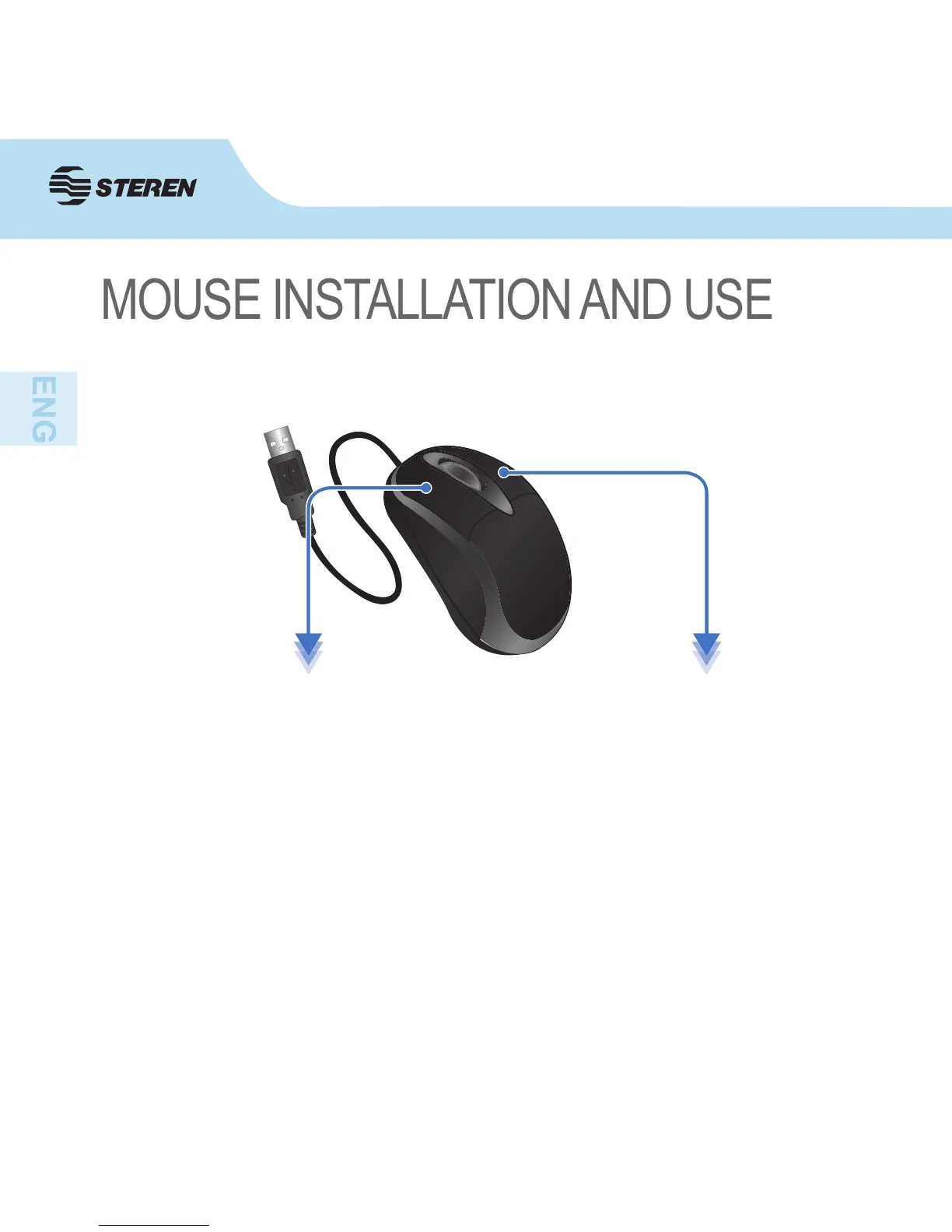
2. Use the mouse to do the following:
• Scroll: Use it to view in full screen each channel.
When using the mouse, you can input certain values using the onscreen virtual keyboard.
• Left button:
Click to select a menu option, during
live viewing in split-screen, double-
click on a channel to view it in full
screen, double click on the channel to
return to the split-screen view.
• Right button:
Click to open menu.



 To Next Page