1919
Remove external storage (USB) and connect it to your computer.
Open the means of external storage (USB memory) on your computer to search for exported
les. Remember that the name of the video will be the same as the assigned by the DVR.
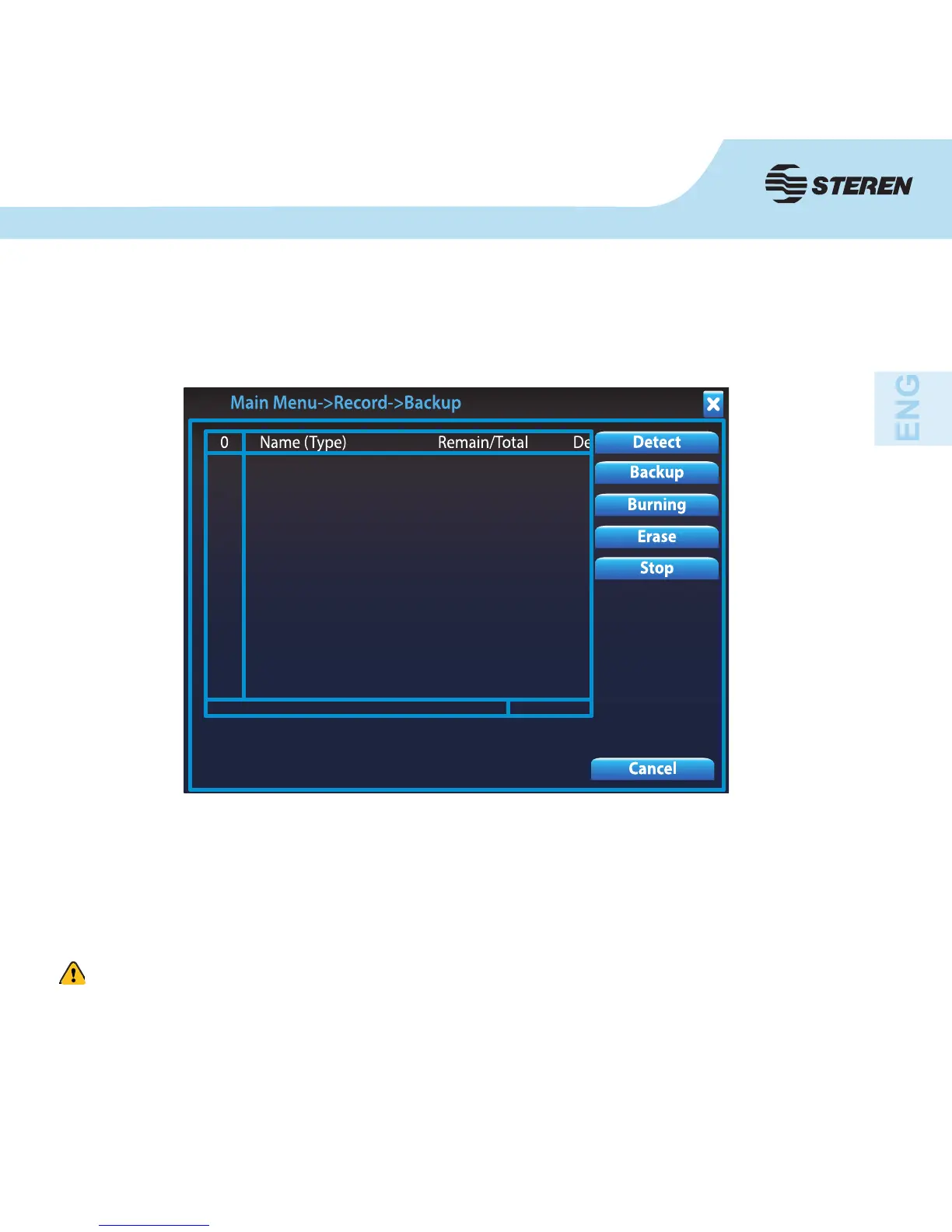
Choose the backup device or click on Detect if the external device does not appear in the
display.
Select the option you want: backup, burning, erase or stop.
In case that the CCTV-971 does not allow exporting a video, try changing the USB port.



 To Next Page