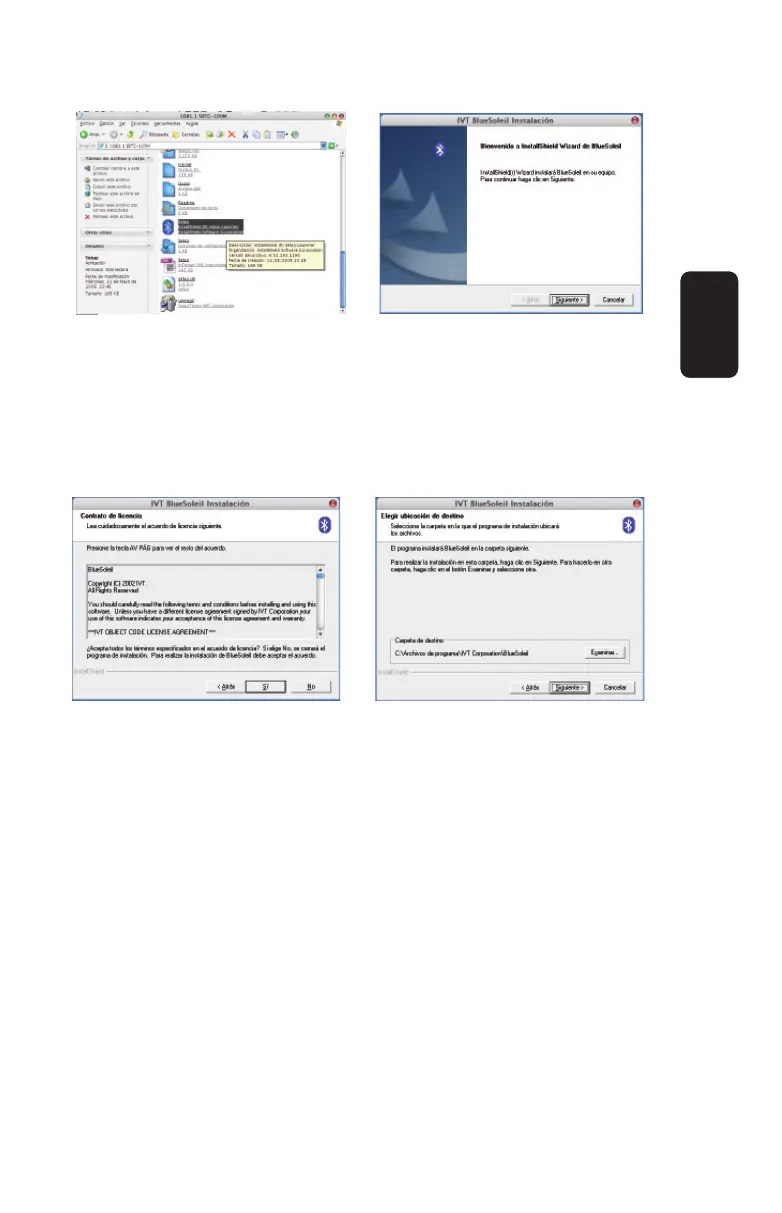
5.- Read the License Agreement and if you agree click on Yes to
continue, otherwise you leave the installation process.
6.- Choose the Destination Location, if you want to choose the
default options (it is recommended), press Next to continue. The
driver process installation begins.
7.- Once the required fi les has been copied to the computer, you
must reboot the system. Click on Yes, I want to restart my
computer now, and click on Finish button to conclude the
installation process.
8.- Once the computer rebooted, the BlueSolail software runs
automatically and displays on the screen. With this software you
can use many devices with Bluetooth technology.
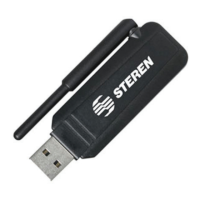
9.- Plug the Bluetooth adapter into an available USB port in the
computer, if it’s necessary, use the USB extender.
ENGLISH
ENGLISH-3


 To Next Page