EasyManua.ls Logo

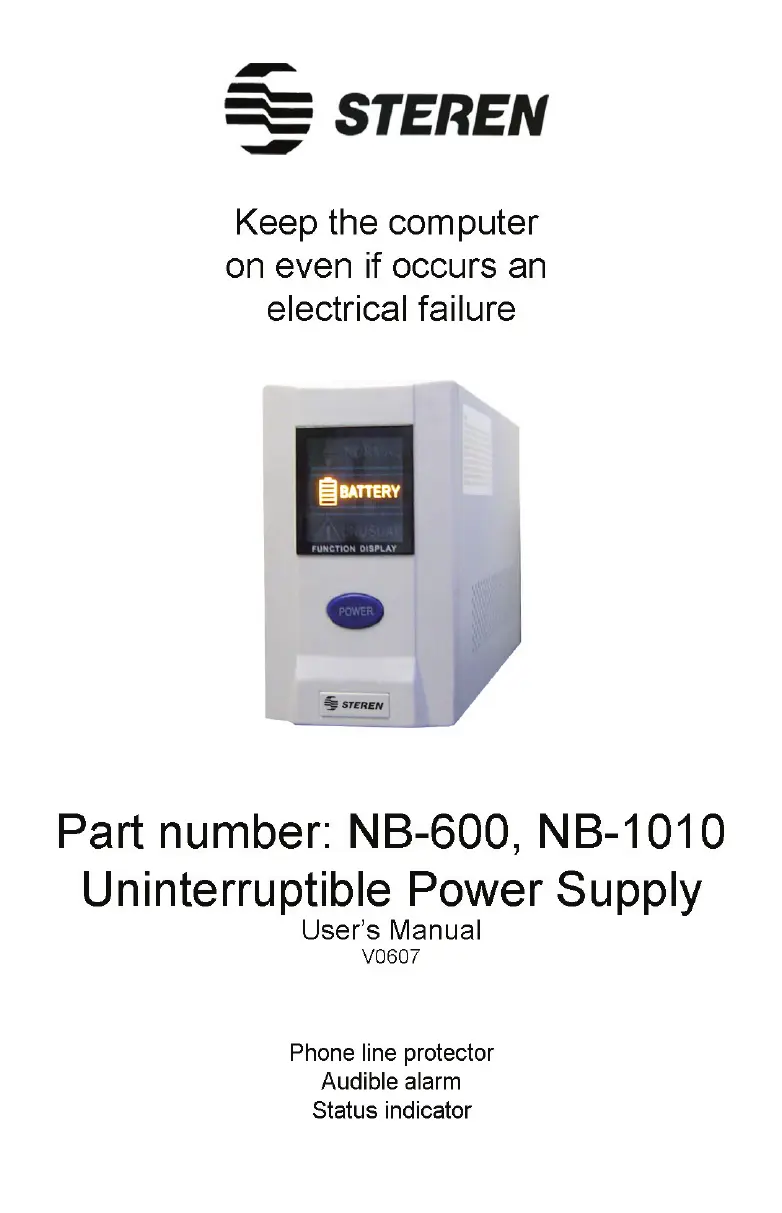
Steren NB-600 - User Manual

Steren NB-600
22 pages
Print Icon
To Next Page IconTo Next Page
Loading...

Questions and Answers

  • T
    Teresa PetersenAug 12, 2025
    What to do if my Steren Power Supply screen displays 'Battery' even when the electrical current is normal?
    • C
      craigsmithAug 12, 2025
      If your Steren Power Supply shows 'Battery' on the screen despite normal electrical current, try the following: * Replace the fuse, as it may be burned out. * Ensure that the connected devices are not overloading the power supply by checking their total wattage. * Check for any short circuits in the system.
  • M
    Megan WilliamsAug 22, 2025
    What to do if my Steren NB-600 UPS overload protector is activated?
    • A
      Amy SawyerAug 23, 2025
      If the overload protector in your Steren UPS activates and locks the device, verify that the connected equipment doesn't exceed the UPS capacity. Also, check for any short circuits.
  • S
    Shawn WallaceSep 1, 2025
    How to fix a Steren NB-600 UPS that shows 'Battery' after power is restored?
    • J
      Jessica MillerSep 1, 2025
      If your Steren UPS display shows the message “Battery” even after the electricity has been restored, try turning the device off and then on again. If that doesn't work, replace the fuse, as it might be blown.

Steren NB-600 Specifications

General IconGeneral
Capacity600VA / 360W
Input Voltage120V
Output Voltage120V
Frequency60Hz
OutletsNEMA 5-15R
Weight4.3 kg

Related product manuals