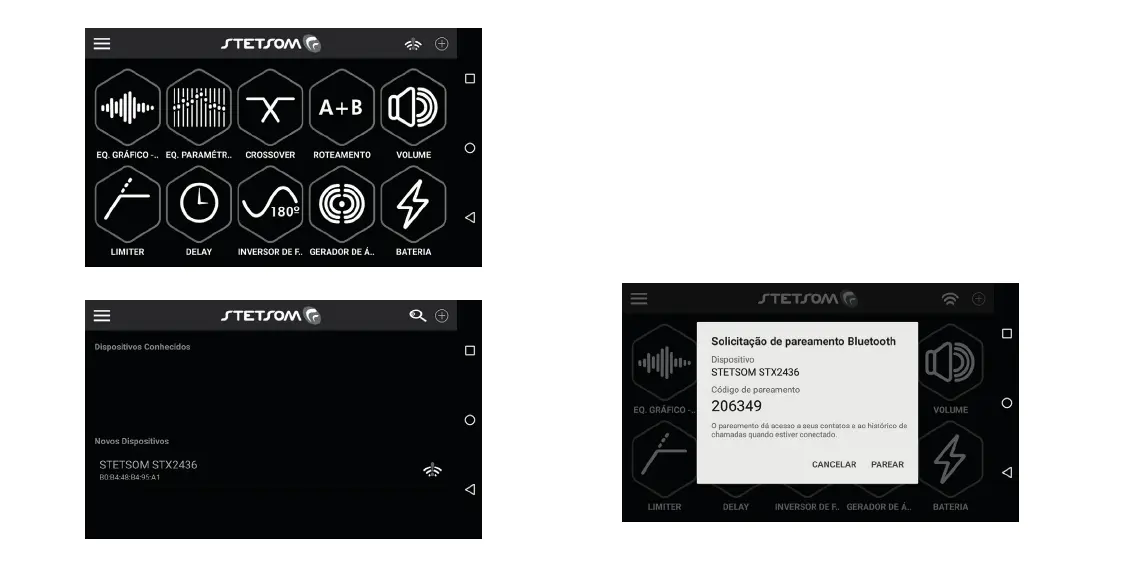
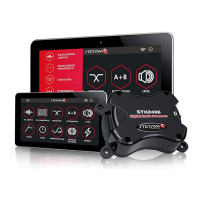
6. a) Android: O smartphone ou tablet exibirá uma solicitação de pareamento e o led
indicador do STX2436 começará a piscar, clique em “Parear” e em seguida pressione
por 1 segundo o Botão lateral do seu processador de áudio. Em alguns casos a
solicitação abrirá em segundo plano, arraste o menu superior e acesse a janela.
b) iOS: O led indicador do STX2436 começará a piscar, pressione por 1 segundo
o Botão lateral do seu processador de áudio em seguida o smartphone ou tablet exibirá
uma solicitação de pareamento, clique em “Emparelhar”.
6. a) Android: The smartphone or tablet display a pairing request and the LED
indicator STX2436 start blinking, click “Pair” and then press for 1 second the side of your
audio processor button. In some cases the request will open in the background, drag the
top menu and access the window.
b) iOS: The LED indicator STX2436 start blinking, press for 1 sec. the side button
of your next audio processor smartphone or tablet display a pairing request, click “Pair”.
ANDROID


 To Next Page