10 11
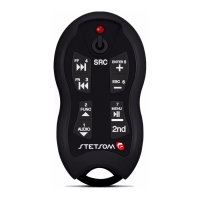
Using a single TX2 controller to control
mulple devices at the same me:
For the same TX2 control to command various equipment it must be
synchronized with the central RX2 of each one, to so follow the instrucons
in "Synchronizing your Alcance Control" (Page 18). Each car must to have
its central RX2 programmed according to your CD/MP3-Player, to do this,
follow the instrucons showed in the “Programming” (Page 20).
Diagnoscs
• Low baery indicaon:
When you release the Control TX2 buon, the transmission LED indicator
control TX2 transmission (1) and the central LED indicator (16) will remain
lit for 1 second. Replacing the baery with a new one, CR2032 model is
recommended because you may lose control transmission eciency.
The TX2 transmier has a system that is self-o if any key be pressed for
more than 10 seconds to avoid undue baery drain. When you release the
buon, the system works normally.
Replacing the baery of the transmier TX2:
Remove the holster , loosen the two screws on the back , remove the circuit
board from the plasc box, move the discharged removing it from the clip
and put a new baery in place . Observe the baery polarity; the Clip is the
POSITIVE terminal. Mount the control following the steps backwards.
• Loss of synchronizaon:
The loss of synchronizaon occurs when keys are pressed TX2 control over
250 mes out of the reach of central RX2.
Programming
Programming
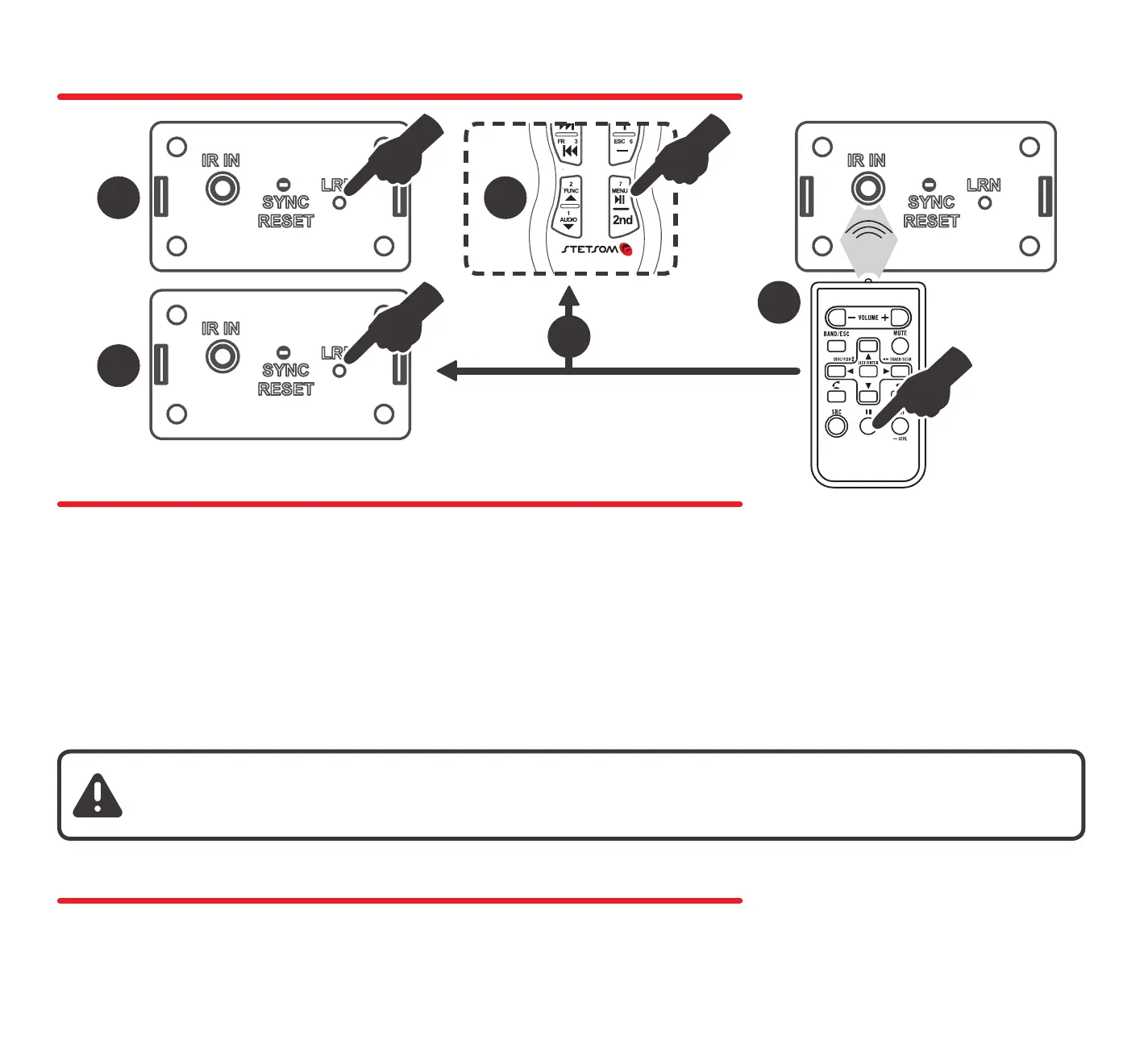
The central RX2 lets you mix Memory funcons with Learning Mode, it is
possible to carry a device memory by Direct Mode and change some keys
without the other being aected. The process is simple:
1. Follow the steps in the Direct Mode to load into memory the desired
device from the table.
2. Follow the steps in the Learning Mode to program keys/funcons desired.
Note: Whenever using the Learning Mode, the buons/keys that have not
be reassigned will connue execung their original funcons.
1
5
3
2
4
Restoring the Factory Sengs:
Pressing the RESET buon (20) for 5 seconds, the indicator light (16) will
ash and the factory seng are restored. The ming will be maintained.


 To Next Page
 Loading...