EasyManua.ls Logo

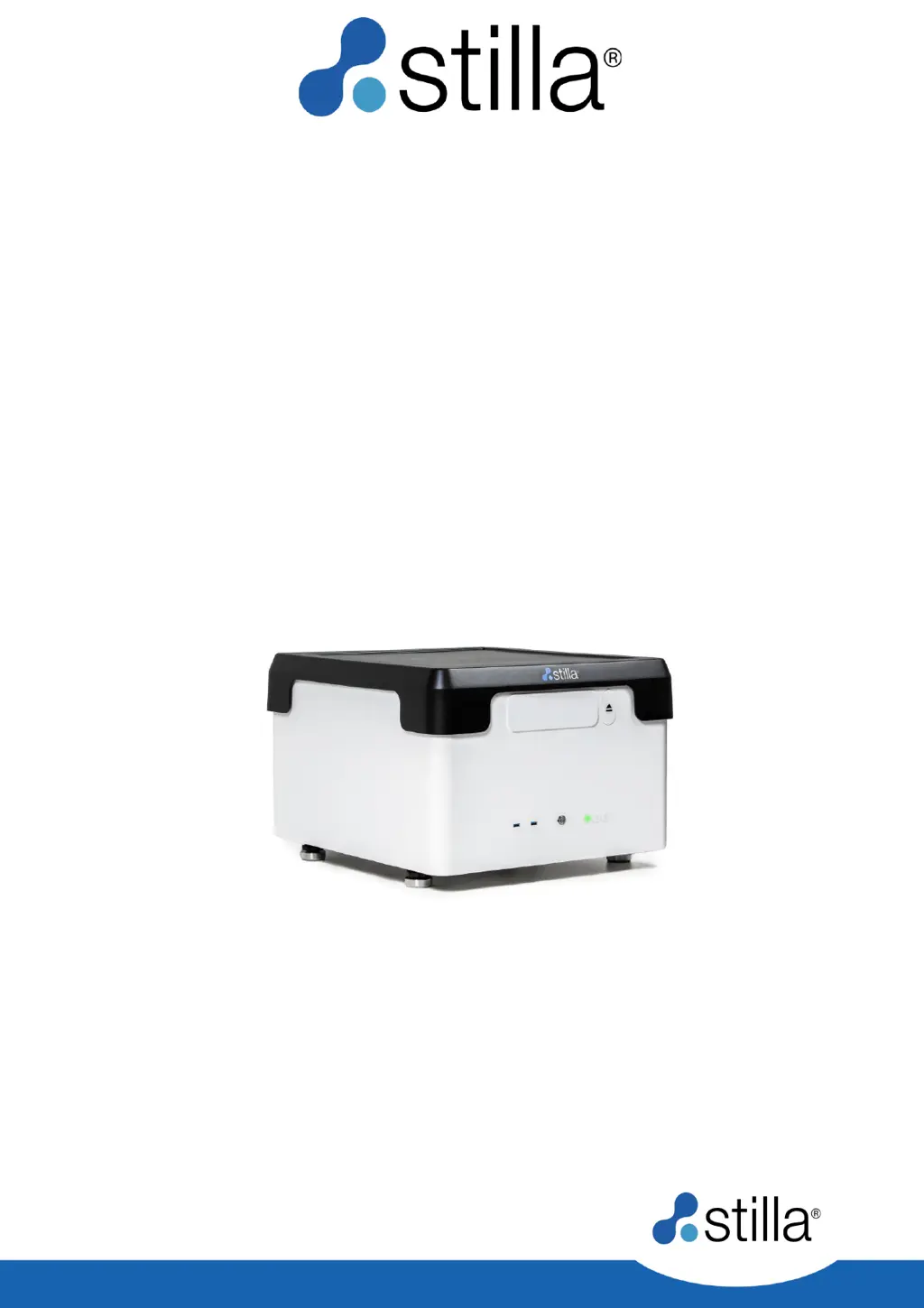
STILLA Prism6 H24000.3 - User Manual

STILLA Prism6 H24000.3
62 pages
Print Icon
To Next Page IconTo Next Page
Loading...
STILLA
Prism6 & Crystal Reader
software
for the
naica® system
User Manual
Prism6 H24000.3/H24000.6
Crystal Reader software v3.0.7.3

Table of Contents

Questions and Answers

Summary

Introduction to the Naica System

Purpose of the Document

States the manual's aim regarding Prism6 and Crystal Reader software usage.

Overview of Crystal Digital PCR Workflow

Explains Stilla Technologies' next-generation technology for nucleic acid quantification.

Prism6 Instrument Specifications and Setup

Prism6 Declaration of Conformity and Specifications

Presents technical specifications and compliance information for the Prism6 instrument.

Prism6 Installation Instructions

Outlines the necessary infrastructure and procedures for installing the Prism6 instrument.

Operating the Prism6 Instrument

Software and System Prerequisites

Lists the operating system, hardware, and software requirements for running the Crystal Reader software.

Prism6 Instrument Initialization

Guides users through the process of powering on and initializing the Prism6 instrument.

Chip Handling and Positioning

Instructions for Chip Positioning

Details how to correctly load chips into the Prism6 instrument using tray holders.

Crystal Reader Software Workflow

Instructions for Chip Scanning

Explains how to set up experimental conditions for image acquisition using the Crystal Reader software.

Experimental Setup Steps

Setting Up the Scan Experiment

Outlines the five main steps for setting up a chip scan experiment in the Crystal Reader software.

Experiment Details Configuration

Naming the Experiment

Guides users on how to enter a descriptive name for the experiment in the software interface.

Editing Experiment Details

Configure Experiment Parameters

Guides on inputting fluorophore, target names, and selecting detection channels for an experiment.

Scanning Parameters Configuration

Check Scanning Parameters

Explains how to adjust exposure times and focus values for optimal image acquisition.

Chamber Details and Context

Select Chambers and Define Context

Guides users on selecting chambers and defining sample details for scanning.

Launching the Scan Process

Launch the Scan

Details the process of initiating the chip scanning sequence after setup is complete.

Image Quality Assessment

Check Chamber Image Quality

Explains how to visually inspect acquired images and assess their quality using flags.

Detailed Image Exploration

Explore Chamber Images in Detail

Guides users on navigating and analyzing individual chamber images using software tools.

Advanced Instrument Functionalities

Rescanning Chambers and Chips

Explains how to re-scan existing or new chambers to update experimental data.

User Profile Settings

Edit Settings for User Profiles

Details how to configure user preferences and system settings within the Crystal Reader software.

Focus Calibration Procedure

How to Perform Focus Calibration

Guides users on calibrating the instrument's focus for optimal image sharpness.

Maintenance and Technical Support

Cleaning and Decontamination

Details instrument cleaning, decontamination, and contact information for technical assistance.

Troubleshooting Error Messages

Display Screen Error Messages

Lists common error messages and their recommended solutions for Prism6 and Crystal Reader software.

STILLA Prism6 H24000.3 Specifications

General IconGeneral
BrandSTILLA
ModelPrism6 H24000.3
CategoryLaboratory Equipment
LanguageEnglish

Related product manuals