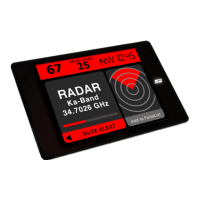
Whenever your Card has been inserted in the Card Holder it will automatically switch on and off along with your ignition. You can also switch
off your Card by simply taking it out of the holder. Use the touch keys to further control Card’s options. Status and Level LEDs, as well as clear
audio signals, will be used in case of alerts.
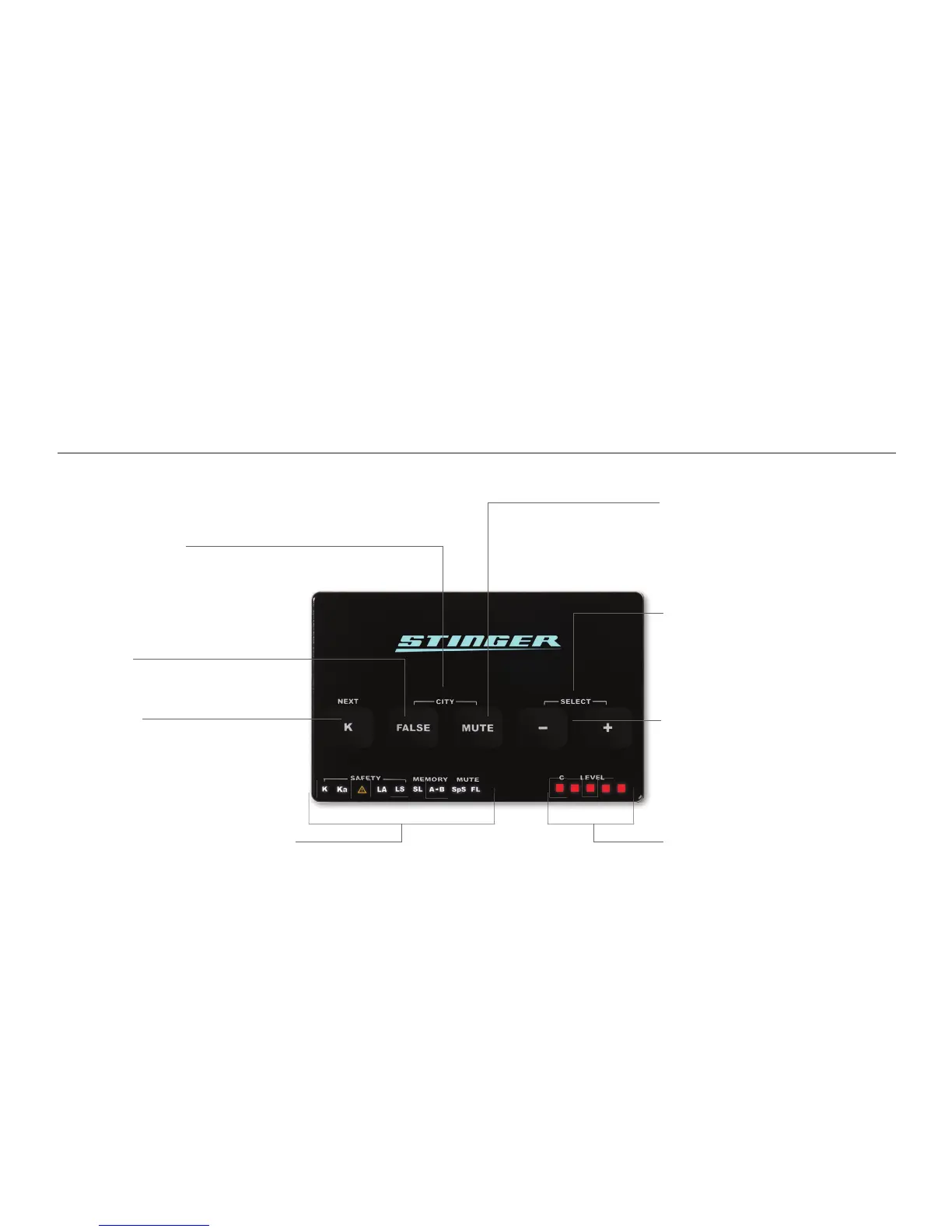
K or NEXT key
Use this touch key to toggle the K bands on or
off. When in Selection mode this same key is
used to skip to the next functionality.
CITY (Key combination)
Touching the FALSE and MUTE keys
simultaneously will activate (or deactivate) the
CITY mode (see page 14).
SELECT (Key combination)
Touching the - and + keys simultaneously will
bring you to the Selection mode. In Selection
mode you can switch on and off most of your
Card’s options (see page 7).
Level LEDs
These LEDs will indicate such information as the
level of signals being received and your relative
position within a SPECS location.
Function LEDs
These LEDs indicate the status of a functionality:
LED off - function inactive
LED on - function active
LED fl ashing - active alert
- and + keys
These keys adjust the audio level of your Card.
When in Selection mode, use these keys to
switch the selected functionality off (-) or on (+)
(see page 7).
False key
Use to add any unwanted radar alerts to
the FalseList with a touch of the button
(see page 14).
Controls
MUTE key
Key to temporarily mute the sound of an active
alert.
5



 To Next Page