7
THIS IS YOUR 9 DIGIT INITIALIZATION
CODE
Important information for clients receiving
internet updates
An active network connection must be maintained to receive
updates. Content updates will be downloaded onto your
device during the download window period you preselected.
Congratulations your music should start playing in no time!
Remember, your device should remain powered at all times.
Please refer to page 7
in french instructions
Back Select
SUPPORT 1-888-685-2486
5.0v 2.
6.
SETTING UP
Setting up power
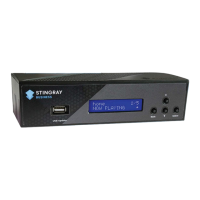
5. Attach the power module to the power port on the SB-3.
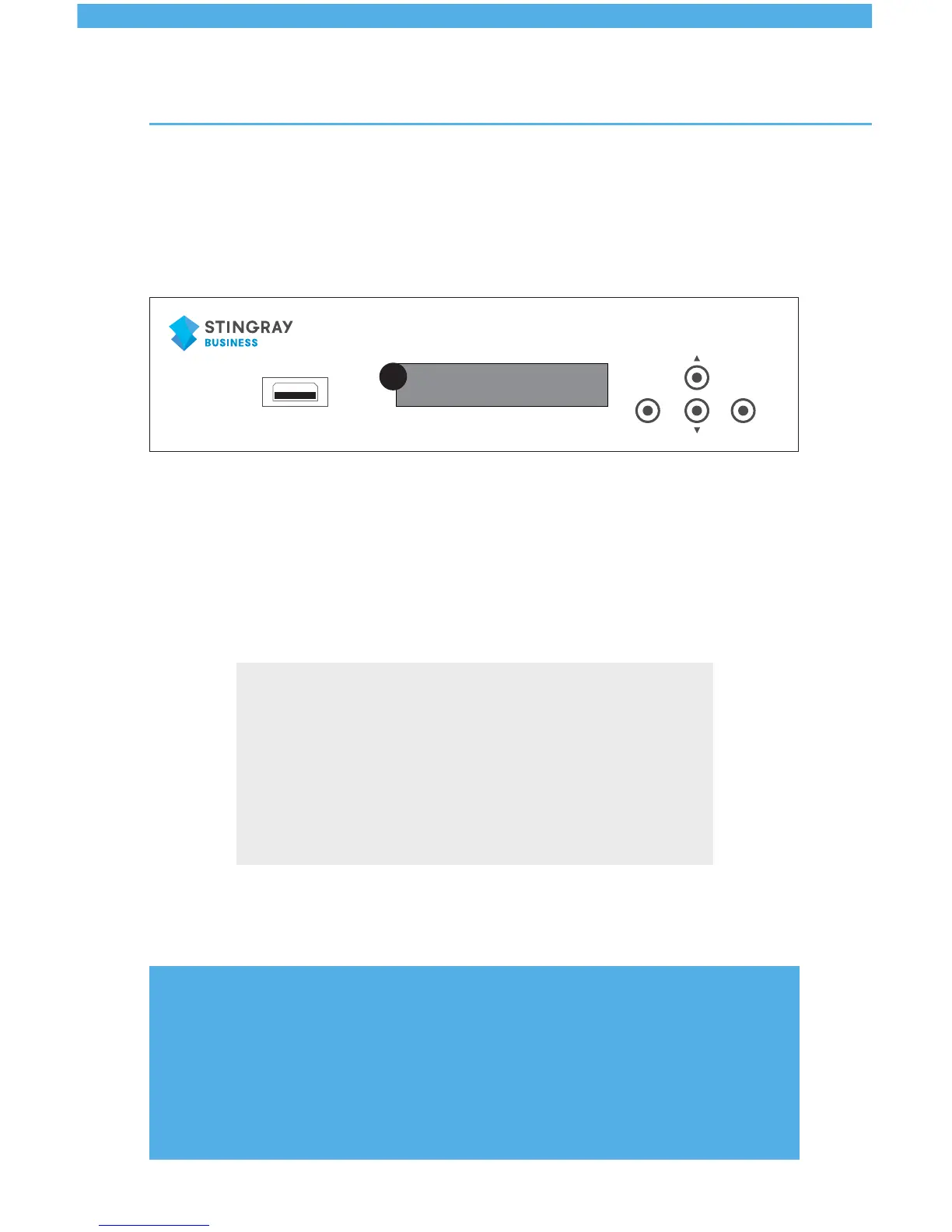
6. The LCD screen on your device will light up to indicate that
the device has been plugged in properly.
Activate
7. Activate your device by calling 1.888.571.9040. and entering
the 9 digital initialization code on your telephone dial.
8.Adjustvolumefromyouramplier,deviceorphonesystem..
USB Update


 To Next Page