Give us a call
What? You mean this Quick Start Guide didn’t have ALL the answers? The manual has more
comprehensive instructions, or speak to us. Call our After Sales Support on 1300 886 649.
Well done, you made it! Now sit back and relax ... your new stainless steel
dishwasher is automatically covered by a 3 year warranty.
V1.0
6
7
8
9
5
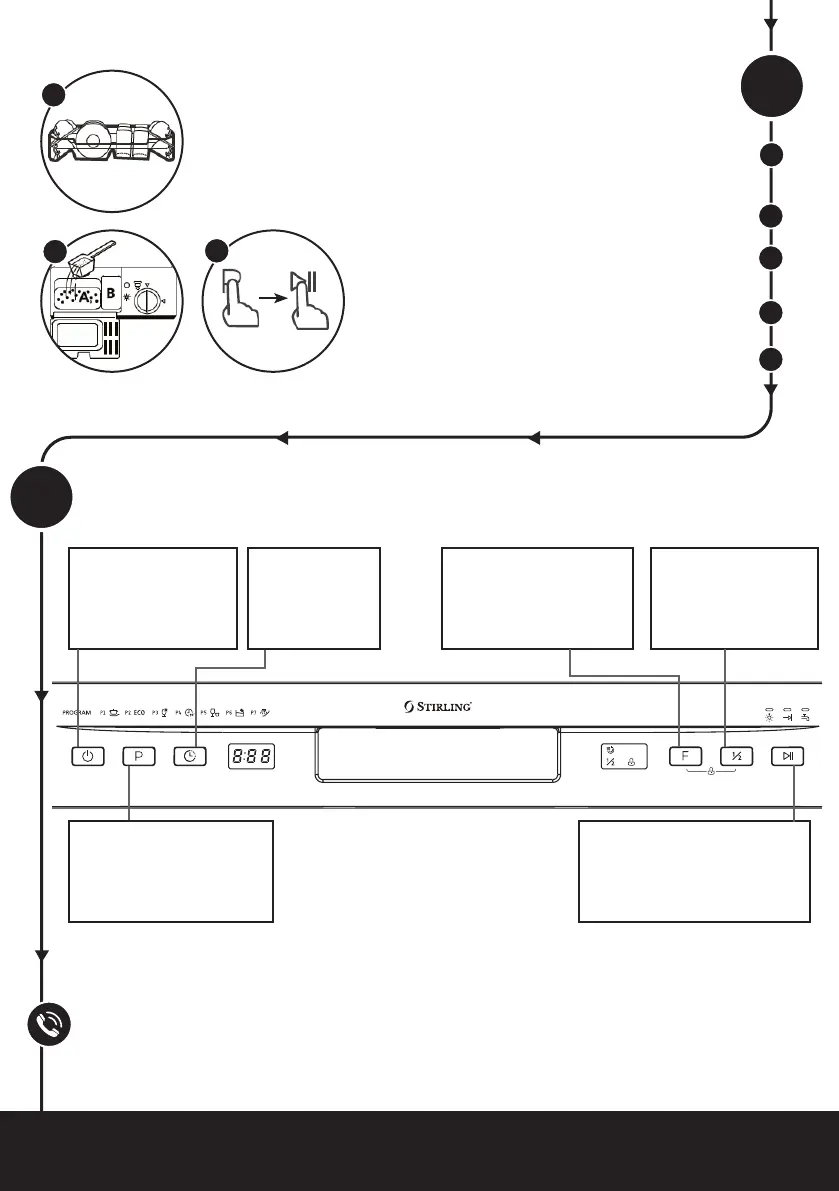
Control panel
D
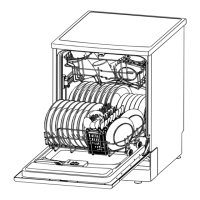
Open the door and draw out the lower basket. Load
your dishes and push the basket back into place.
Then load the upper basket the same way.
Add dishwasher detergent and rinse aid (if
applicable) according to the instructions.
Close the dishwasher door properly.
Press the POWER button on the control panel.
Select the desired wash program using the
PROGRAM button, then press START/PAUSE.
At the end of the program, the machine will enter
standby state and switch off automatically after 30
minutes if there is no other operation.
Using your dishwasher
C
Please refer to the instruction manual, pages 10–11, for comprehensive descriptions of all buttons
and indicators.
5
6
8
Press the POWER
button to enter or exit
the ready-to-use state.
Press the PROGRAM button
to select the appropriate
washing program.
Press the
DELAY button
to increase the
delay start time.
Press the START/PAUSE button
to start the selected washing
program or pause it when the
dishwasher is working.
Press the FUNCTION
button to select the
EXTRA DRYING function
and have dishes dried
more thoroughly.
Choose the HALF
LOAD function when
you only have a small
load to wash, to save
energy and water.


 To Previous Page