Digital Water Timer
Art. 25027
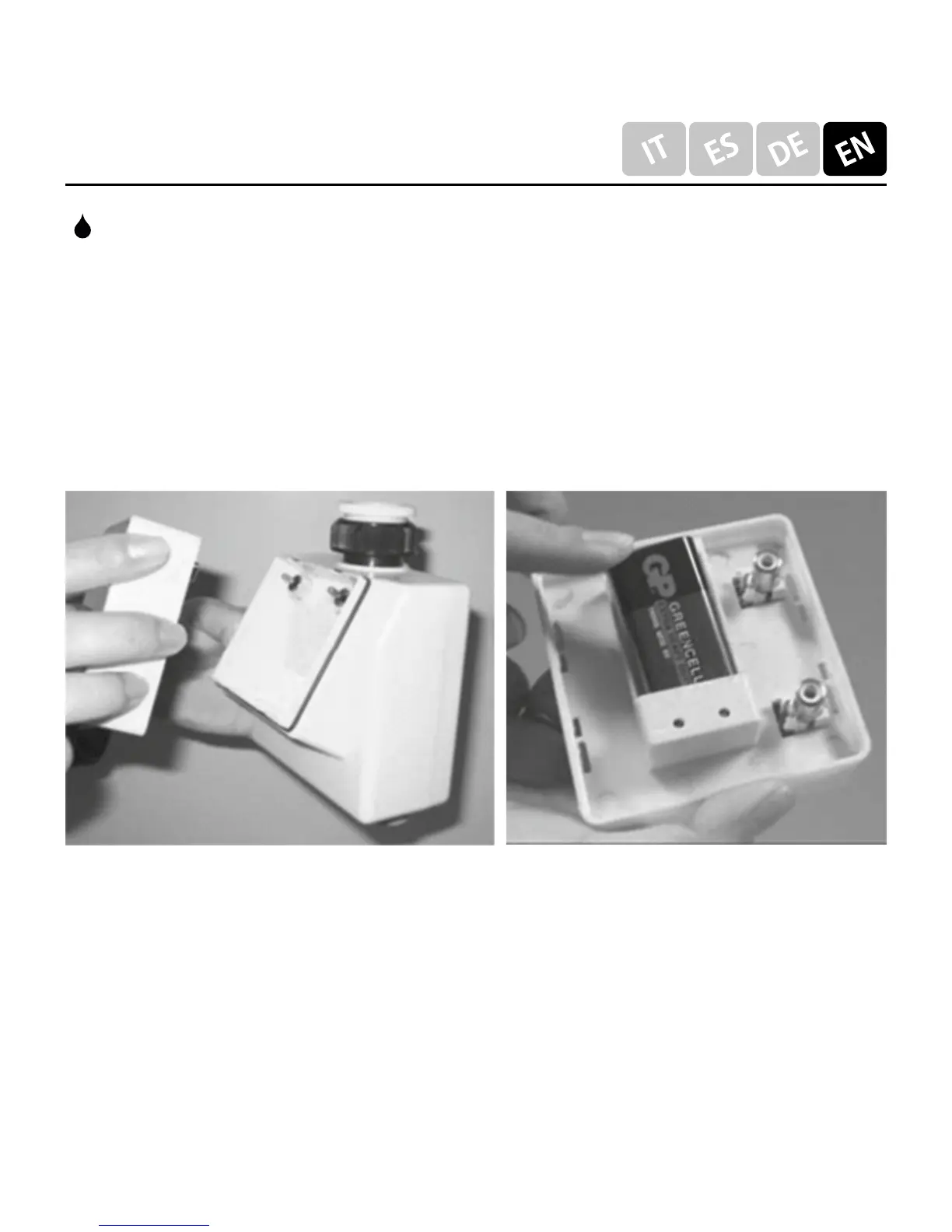
INSTALL THE BATTERY:
• Powered by 9V square battery
• Remove the control panel
• Remove OLD battery
• Press-fit the new battery in the housing
• Close the control panel
Replace old battery within 5 minutes to avoid losing the
setting program.
: Indicating the watering days of week.
The days of week without affixed
raindrop icon is non-watering days.
Prog ON: Executing set program
Prog OFF: Reserving set program and no execution



 To Next Page