MAINTENANCE
- 20 -
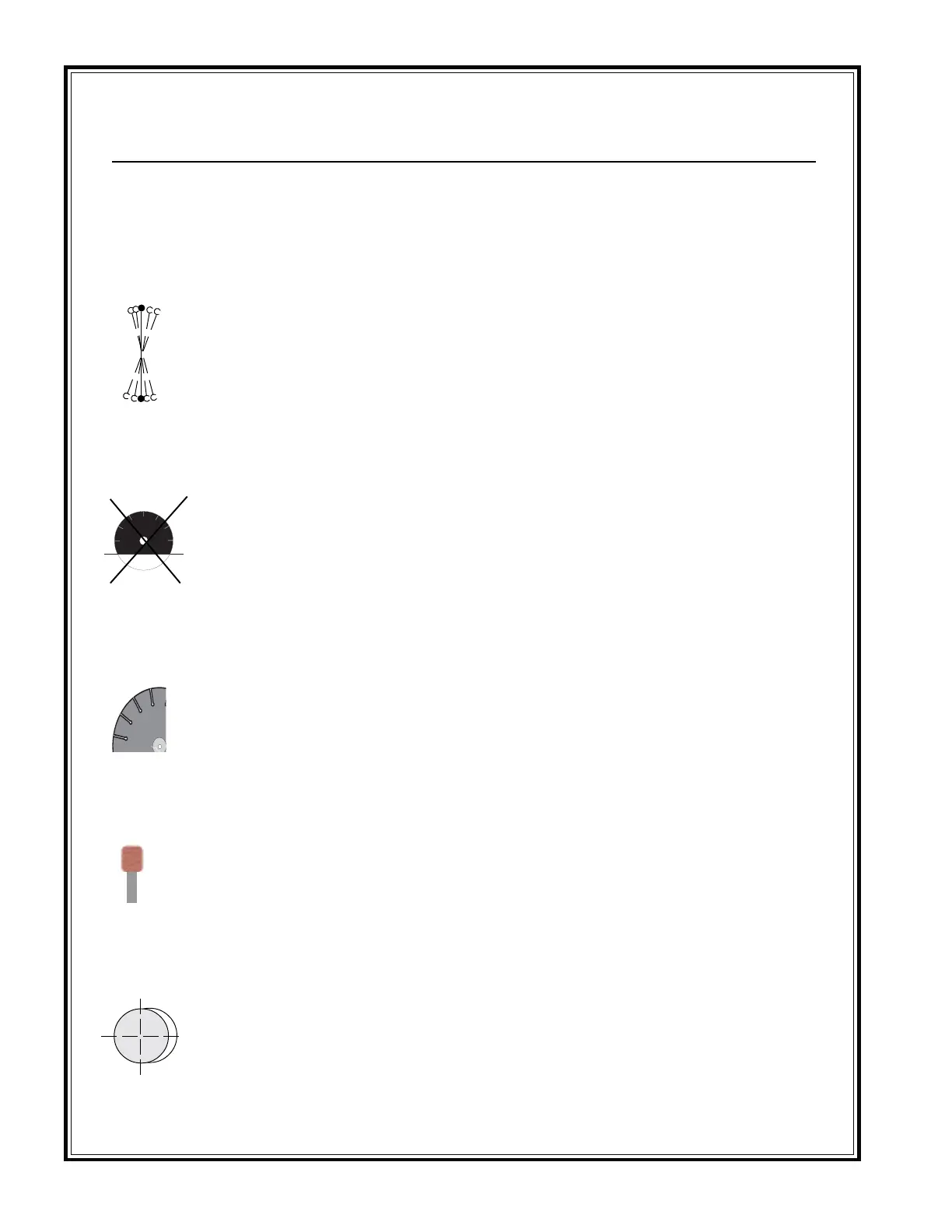
BLADE WOBBLES
ARBOR HOLE OUT-OF-
ROUND
UNDERCUTTING THE CORE
BLADE WILL NOT CUT
CRACKS IN CORE
• Check for bad bearings, bent shaft,
or worn mounting arbor.
• Check collars/flanges to make sure
they are clean, flat and of correct
diameter.
• Set engine at proper rpm.
• Use proper size blade collars/
flanges.
• DO NOT USE bent blade. Contact
blade manufacturer.
• Make certain the blade is
mounted on the proper shaft
diameter. Tighten the shaft nut with
a wrench to make certain that the
blade is secure.
• Clean collars/flanges, make sure
they are not worn.
• Tighten arbor nut.
• Make sure the pin hole slides over
drive pin.
• Use water to flush out fines
generated during cutting
• Use wear-retardant cores.
• Select proper blade for material
being cut.
• Sharpen by cutting on softer
abrasive material to expose
diamonds. If continually sharpen-
ing, the blade is too hard for the
material being cut.
• Break-in on the material to be cut.
If it does not dress itself, sharpen as
you would a dull blade.
• Tighten the blade shaft nut.
• Make sure blade is running at
proper speed and that drive pin
is functioning properly.
• Use a softer bond/matrix to
eliminate stress.
• Blade is on a damaged or worn saw.
• Worn collar.
• Blade runs at an incorrect speed.
• Collar /flange diameters are not identical.
• Blade is bent as a result of dropping or
twisting.
• Abrasive wearing of the core faster than
the segments.
• Blade is too hard for material being cut.
• Blade has become dull.
• Blade does not cut material it was
specified for.
• Blade flutters in cut as a result of losing
blade tension.
• Blade specification is too hard for the
material being cut.
• Collars/flanges are not properly tightened,
permitting blade to rotate or vibrate on
the shaft.
• Collars/flanges are worn or dirty.
• Blade is not properly mounted.
PROBLEM
REMEDY
CAUSE
Troubleshooting



 To Next Page