EasyManua.ls Logo

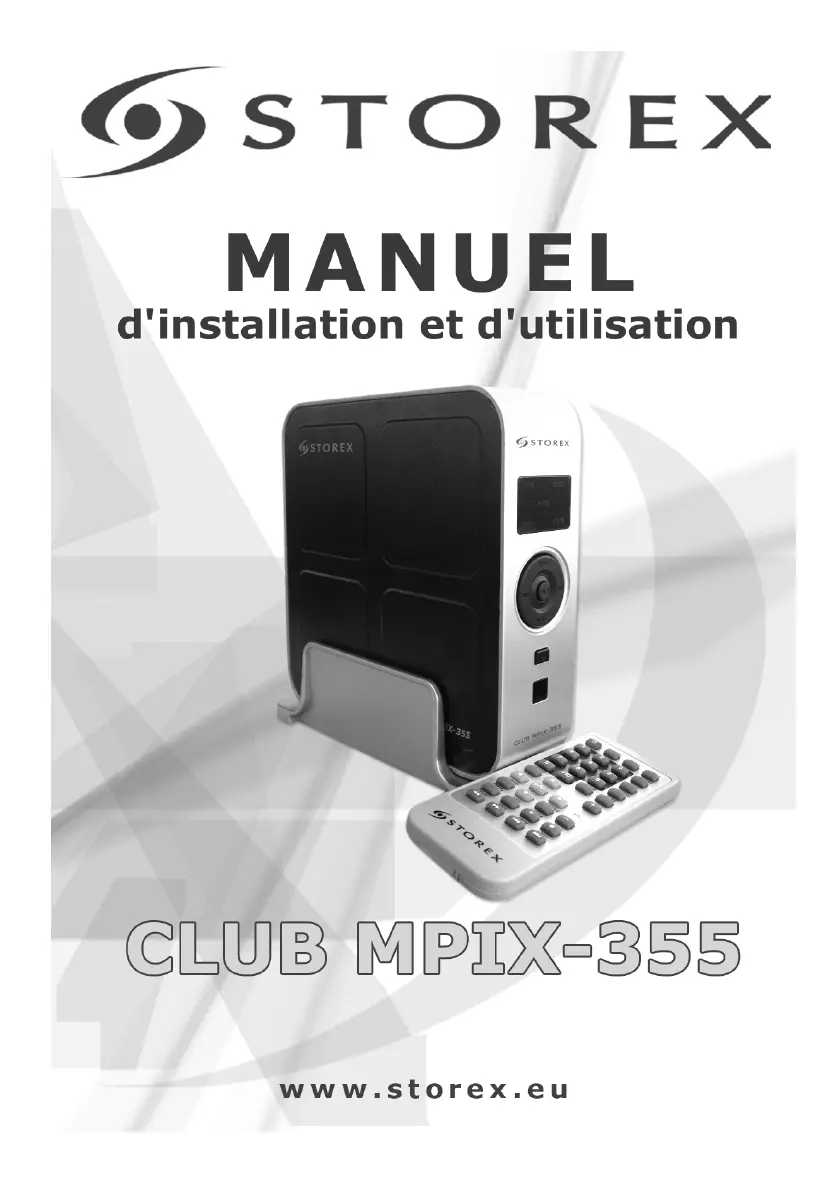
Storex CLUB MPiX-355 - User Manual

Storex CLUB MPiX-355
88 pages
Go to English
Print Icon
To Next Page IconTo Next Page
Loading...

Table of Contents

Questions and Answers

  • D
    Dana PayneAug 1, 2025
    Why is the USB icon or disc-vol not shown in computer for Storex CLUB MPiX-355?
    • P
      Paul CardenasAug 1, 2025
      If the USB icon or disc-vol is not shown on your computer when using Storex Storage, it might be because the hard disk hasn't been formatted. In this case, format the hard disk in FAT32. Another possible cause is that the power supply from the computer's USB port isn't sufficient. Try connecting both USB plugs to the computer. If it still doesn't work, consider purchasing a USB 2.0 HUB.
  • G
    gcobbAug 6, 2025
    What to do if Storex CLUB MPiX-355 remote control doesn't work?
    • K
      kayla26Aug 6, 2025
      If your Storex Storage remote control isn't working, first, install new batteries, ensuring they are the same size: CR-2025, 3V. Also, make sure the batteries are installed correctly. Ensure that the remote control is pointed at the remote sensor within 7 meters and at an angle of no more than 30°. Finally, check for any obstacles that might be interfering with the remote control signal and remove them.
  • M
    Michael MillerAug 10, 2025
    How to fix no image on Storex Storage?
    • K
      Kevin OrtegaAug 10, 2025
      If you are experiencing a 'No Image' issue with your Storex Storage, check the video cable connection. Disconnect and reconnect it to ensure it's properly connected. If the connection is good, and you still have no image, it may be an incompatibility between the screen and video output. Try pressing the 'VGA' key on your remote control. Also, ensure you've selected the correct display format.
  • M
    Mrs. Crystal AndersonAug 14, 2025
    Why are playing pictures rolling up, poor quality pictures on Storex Storage?
    • X
      xdavisAug 14, 2025
      If you're experiencing issues with pictures rolling up or poor picture quality on your Storex Storage, power off the device first, then select the correct TV or display format. Also, ensure you are using good program sources.
  • M
    marysanchezAug 19, 2025
    How to troubleshoot no sound on Storex CLUB MPiX-355?
    • C
      Clinton MitchellAug 19, 2025
      If you are experiencing a 'No Sound' issue with your Storex Storage, the audio cable may not be connected effectively. Ensure that you connect the audio cable correctly.
  • J
    joshuaparrishAug 23, 2025
    What to do if Storex Storage power is on, but the unit doesn’t work properly?
    • S
      Steven MaddenAug 23, 2025
      To resolve the issue of the Storex Storage unit not working properly, plug in the power supply or press the « RESET » key on the unit (XYB-01).
  • T
    thompsonjulieAug 27, 2025
    How to fix no power on Storex CLUB MPiX-355?
    • M
      Maria HinesAug 28, 2025
      If your Storex Storage has no power, check the DC power cable to ensure it is connected correctly. A destroyed power cable can cause this issue.

Summary

Important Pre-installation Warning

Product Contents

Installation Procedures

Windows OS Installation

Installation guides for Windows 98/SE, ME/2000/XP.

Mac OS Installation

Installation guide for Mac OS 8.6, 9.0 X.1, and X.1.

Software Features

Cryptext Software Installation

Steps to install the Cryptext file encryption software.

Cryptext Software Usage

Instructions on using the Cryptext software for file encryption.

Device Operation and Connectivity

Buttons and Connections

Explains physical buttons and connection ports on the device.

Remote Control Functions

Details the functions and usage of the remote control.

Computer Connection and Disconnection

Guides on connecting to a computer and safe disconnection procedures.

Connecting to Television

Instructions for connecting the MPIX-355 to a television.

Media Playback

Setup Menu and Navigation

How to use the setup menu for device configuration.

Playing Media Files

Steps for playing movies, pictures, and music files.

Playback Control Keys

Explains specific keys for playback control and navigation.

Troubleshooting Guide

Device Specifications

Warranty Information

Warranty Registration

Storex CLUB MPiX-355 Specifications

General IconGeneral
BrandStorex
ModelCLUB MPiX-355
CategoryStorage
LanguageEnglish