EasyManua.ls Logo

Strend Pro BDG02-Z4.0A-P1 - User Manual

Strend Pro BDG02-Z4.0A-P1
34 pages
Go to English
Print Icon
To Next Page IconTo Next Page
Loading...
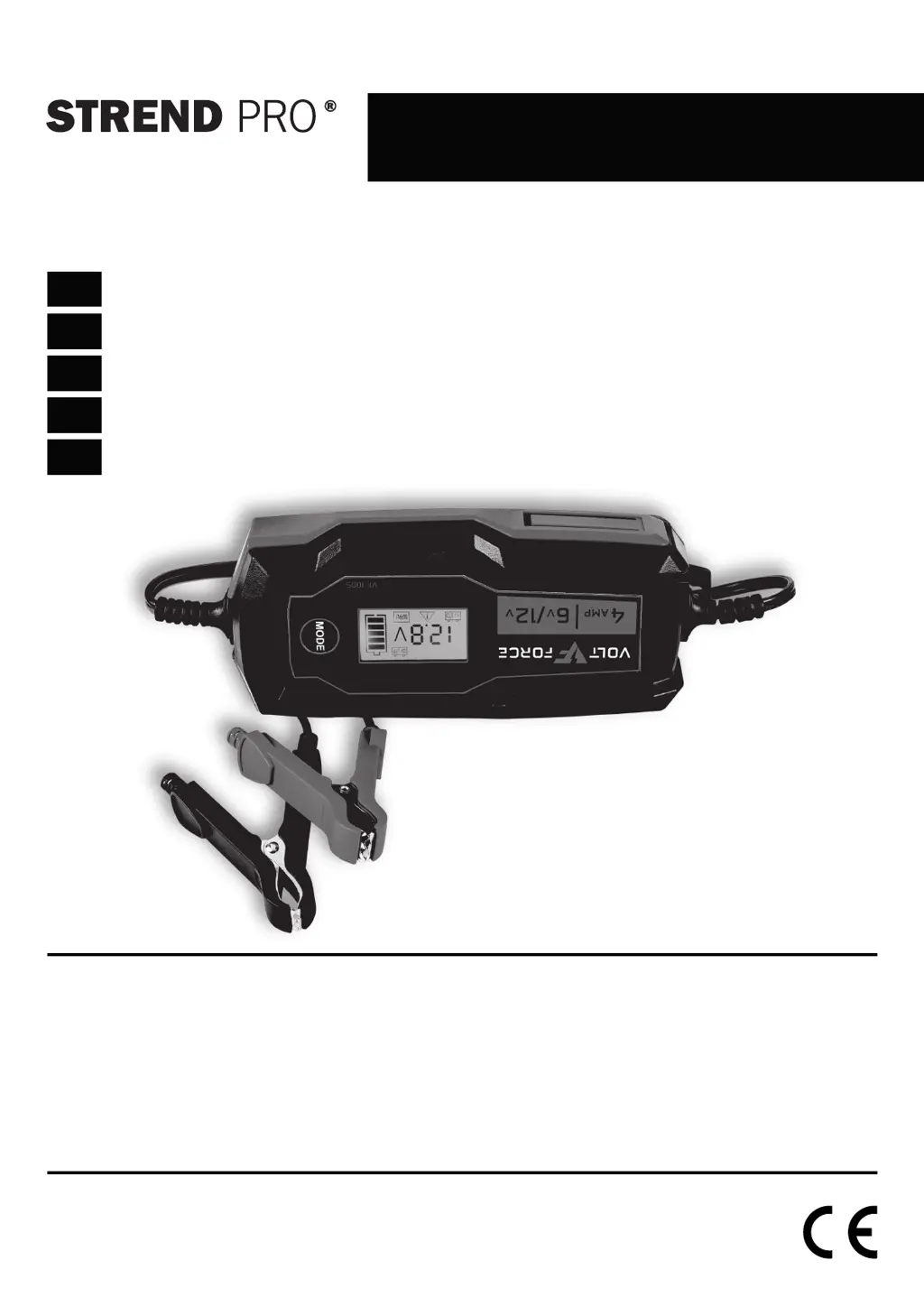
BDG02-Z4.0A-P1
Inteligentná nabíjačka akumulátorov pre automobily a motocykle
Inteligentní nabíječka akumulátorů pro automobily a motocykly
Intelligens akkumulátor gépjárművekhez és motorkerékpárokhoz
Încărcător inteligent pentru baterii auto și motociclete
Smart battery charger for cars and motorcycles
SK
CZ
HU
RO
EN
∙ Preklad originálného návodu na použitie
∙ Překlad originálním návodu k použití
∙ Az eredeti használati útmutató fordítása
Traducerea manualului de utilizare original
∙ Instruction manual

Questions and Answers

  • V
    vmckenzieAug 6, 2025
    Why is my Strend Pro Battery Charger charging the battery too fast?
    • J
      johnstonchristopherAug 7, 2025
      If your Strend Pro Battery Charger is charging the battery too fast, it's likely because the charging current is set too high. To resolve this, set a lower charging current.
  • P
    Patrick RiceAug 13, 2025
    What to do if Strend Pro BDG02-Z4.0A-P1 doesn't fully charge battery after 24 hours?
    • E
      Elaine MillerAug 13, 2025
      If your Strend Pro Battery Charger doesn't fully charge the battery even after 24 hours, the charging current might be too low. Try setting a higher charging current to resolve this issue.
  • E
    Eric CooperAug 20, 2025
    Why is my Strend Pro BDG02-Z4.0A-P1 not charging the battery?
    • A
      Anna GuerreroAug 20, 2025
      There could be a few reasons why your Strend Pro Battery Charger isn't charging the battery. The connection terminals might be connected with the opposite polarity or incorrectly connected. Disconnect the connection terminals and reconnect them correctly. Alternatively, the battery voltage might not match the selected charging mode, so check the battery voltage.
  • B
    Brian RodgersAug 28, 2025
    Why is the charging voltage too low on my Strend Pro BDG02-Z4.0A-P1 Battery Charger?
    • E
      Evan ClarkAug 29, 2025
      The charging voltage might be too low on your Strend Pro Battery Charger because the battery is either fully discharged or damaged. To address this, charge the battery for at least 12 hours.

Summary

Intended Use

Technical Parameters

Parts of the Product

Explanation of Symbols

Symbols Explanations on the LCD Display

Details the meaning of symbols displayed on the LCD screen during charging.

Safety Instructions

Assembly and Use

Before Operation

Prepares the user for safe and correct charger operation before connecting.

Connecting the Charger to the Battery

Provides step-by-step instructions for connecting the charger to the battery terminals.

Charging

Explains the process of charging, including voltage selection and completion.

Safety Elements

Lists the built-in safety features of the battery charger.

Charging Time

Details how to calculate charging time and provides a general range.

Power Mode

Troubleshooting

Maintenance

Protection of the Environment

Warranty Terms

Service Records

Strend Pro BDG02-Z4.0A-P1 Specifications

General IconGeneral
BrandStrend Pro
ModelBDG02-Z4.0A-P1
CategoryBattery Charger
LanguageEnglish