ES
Apéndice: Guía de la cámara LED
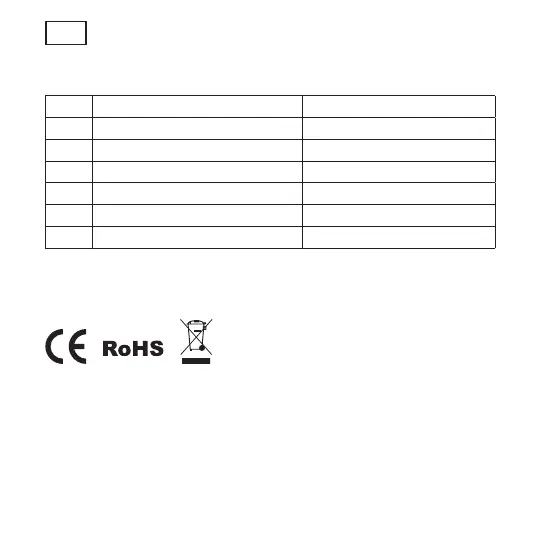
NÚM. Estado del LED Camera Status
1 LED rojo encendido Inicio del sistema
2 LED rojo parpadea rápidamente En espera de la configuración
3 LED azul parpadea rápidamente Emparejamiento de la red
4 LED azul encendido Cámara en línea
5 LED rojo parpadea lentamente Actualización OTA
6 LED blanco ENCENDIDO fijo La cámara se está cargando
Todas las marcas comerciales se utilizan únicamente como referencia.



 To Next Page