EasyManua.ls Logo

Stryker 9110-120-000 - User Manual

Stryker 9110-120-000
16 pages
Print Icon
To Next Page IconTo Next Page
Loading...
2022-08 700000544314 Rev-AD www.stryker.com
Instructions For Use
ENGLISH (EN)
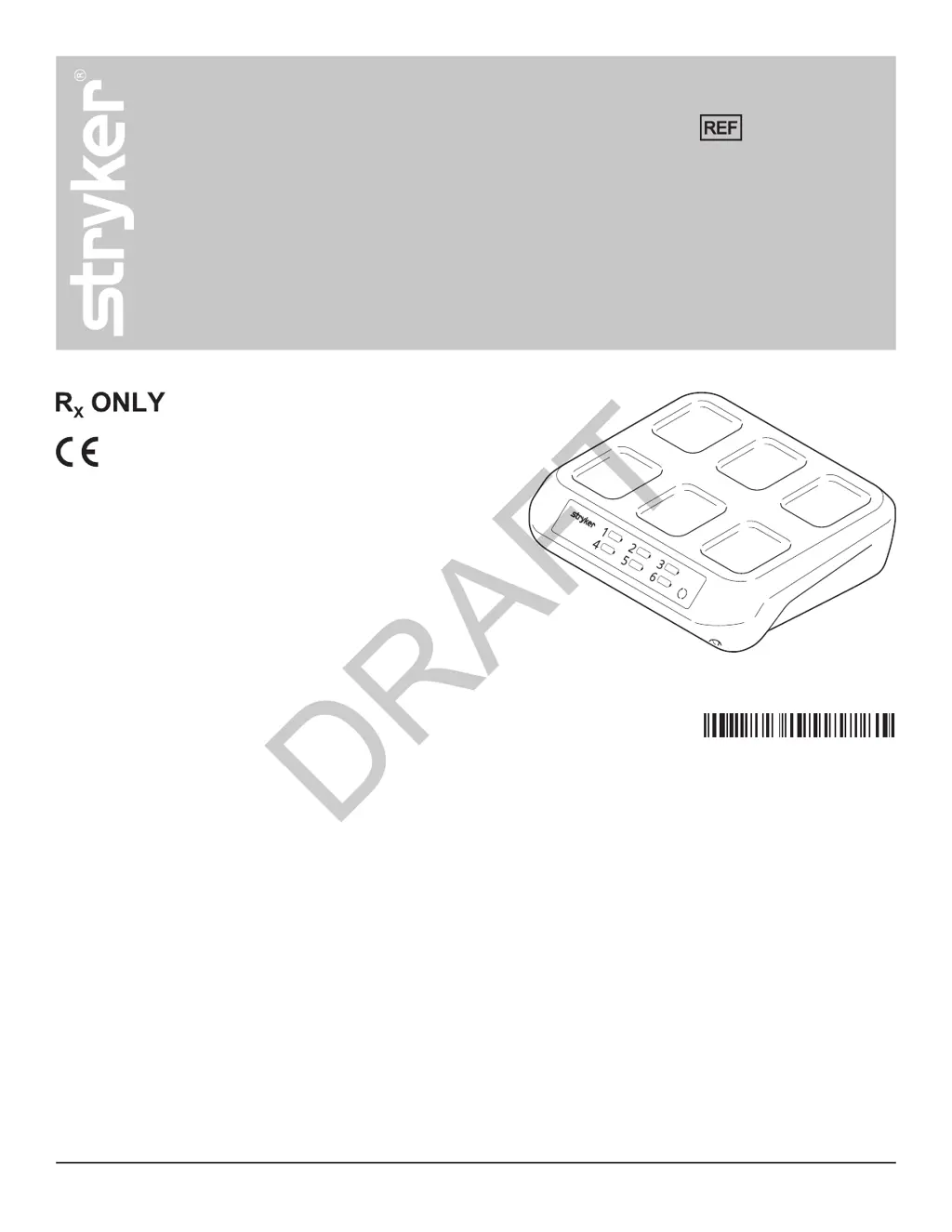
System 9 Sterile Battery Charger
9110-120-000
(01)07613327553505
DRAFT

Questions and Answers

  • M
    Mandy WillisAug 6, 2025
    What to do if I experience sporadic electrical interference with my Stryker 9110-120-000 Battery Charger?
    • A
      Angela PatrickAug 6, 2025
      If the Stryker Battery Charger experiences sporadic electrical interference, try these steps: Turn off any unused electrical equipment. Try relocating electrical equipment to increase the distance between them. Also, try plugging the equipment into different power outlets.
  • M
    martinjeffreyAug 10, 2025
    How to fix Stryker Battery Charger when the charger lights do not illuminate?
    • S
      Stephen PearsonAug 10, 2025
      If the Stryker Battery Charger lights do not illuminate, reset the cord connections on the back of the charger and at the power receptacle. Ensure the power receptacle is working correctly. If it still doesn't work, contact Stryker for service.
  • M
    Michael AllenAug 14, 2025
    What to do if Stryker Battery becomes unusually hot during use or while charging?
    • D
      Dale WilliamsAug 14, 2025
      If the Stryker Battery becomes unusually hot during use or while charging, return the battery to Stryker.
  • I
    Isabella BaileyAug 18, 2025
    What to do if all 6 bay status indicators flash amber on Stryker 9110-120-000 Battery Charger?
    • P
      Peggy GarrettAug 19, 2025
      If all 6 bay status indicators flash amber on your Stryker Battery Charger, reset the cord connections on the back of the charger and at the power receptacle. If the error continues, contact Stryker for service.
  • K
    kwilliamsAug 22, 2025
    What to do if I see a battery error (all 3 bars of the battery status indicator illuminate solid amber) on my Stryker 9110-120-000 Battery Charger?
    • L
      Lindsay SmithAug 23, 2025
      If the battery status indicator illuminates solid amber while the battery is in contact with the Stryker Battery Charger, remove the battery, wait 5 seconds, and reseat it, ensuring full contact with the charger surface. You could also try a different battery or charger bay. If the battery pack is wrapped, make sure it's correctly wrapped. If the problem remains, contact Stryker for service.
  • J
    jellisAug 27, 2025
    What does it mean when the bay status indicator illuminates solid amber on Stryker 9110-120-000 Battery Charger?
    • L
      Lee EdwardsAug 27, 2025
      If the bay status indicator illuminates solid amber on the Stryker Battery Charger, remove the battery. The affected bay is disabled, but the others should still work. Try inserting the battery into a different bay. Also, reset the cord connections on the back of the charger and at the power receptacle. If the problem persists, contact Stryker for service.
  • A
    alanjacksonAug 31, 2025
    What to do if my Stryker 9110-120-000 shows a misaligned battery or detects a metal object?
    • C
      Charles LeeAug 31, 2025
      If all 3 bars of the battery status indicator illuminate solid amber and the bay status indicator flashes amber on your Stryker Battery Charger, remove the battery, wait 5 seconds, and reseat it, ensuring it makes full contact with the charger. Also, remove any metal objects that might be present, even inside the sterilization wrap. Try a different charger bay. Process the battery as per instructions and allow it to cool for at least one hour before charging. If the error continues, contact Stryker for service.

Summary

Instructions For Use

For Use With

Safety Directives

Crucial safety instructions for operating the device.

Product Overview

Getting Started

To Connect the Charger

Step-by-step instructions for connecting the battery charger to power.

Using Your Product

To Charge a Battery

Detailed procedure for charging Stryker System 9 battery packs.

To Disconnect the Battery Charger

Inspection

Troubleshooting

Charger Illumination & Error Codes

Addresses issues with charger lights not illuminating and all bay indicators flashing amber.

Battery Charging Issues

Troubleshoots battery errors, misalignment, metal object detection, and overheating.

Bay & Cycle Count Problems

Resolves issues with disabled bays, cycle count display, and electrical interference.

Specifications

Wireless Notifications

Electromagnetic Compatibility

Stryker 9110-120-000 Specifications

General IconGeneral
BrandStryker
Model9110-120-000
CategoryBattery Charger
LanguageEnglish

Related product manuals