EasyManua.ls Logo

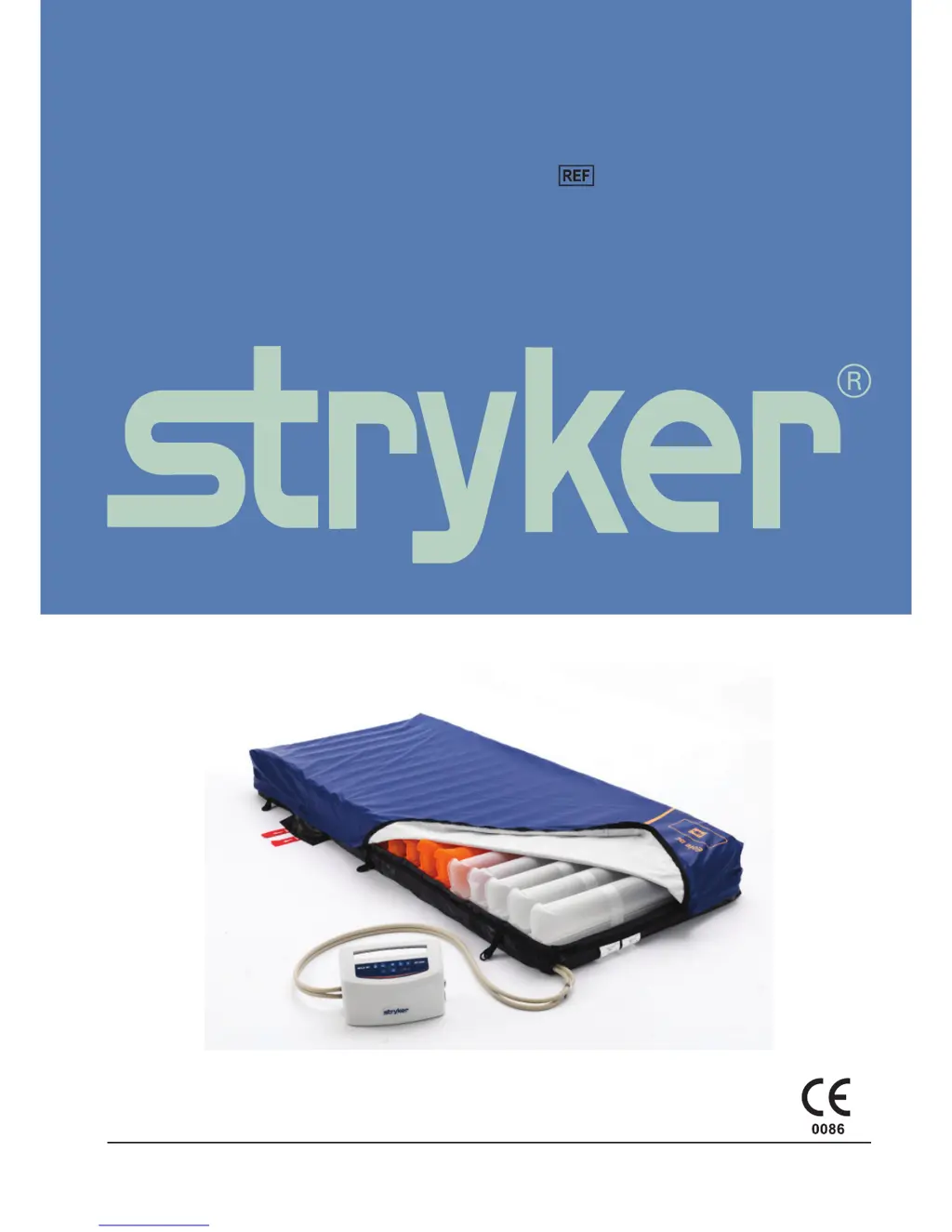
Stryker EOLE DC 32” - User Manual

Stryker EOLE DC 32”
288 pages
Print Icon
To Next Page IconTo Next Page
Loading...
2017/12 836002-5210 V3.4 www.stryker.com
EOLE DC Powered Support Surface
2871
Operations/Maintenance Manual

Table of Contents

Questions and Answers

  • P
    Paula ByrdAug 3, 2025
    What to do if patient is bottoming out on Stryker EOLE DC 32” Health Care Products?
    • L
      Lisa ReevesAug 3, 2025
      If a patient is bottoming out, the pressure setting might be inadequate for the patient. You should adjust the comfort range 1 to 2 levels higher and wait a few minutes for best comfort.
  • S
    Stephanie WashingtonAug 10, 2025
    What to do if Stryker EOLE DC 32” air cells fail to inflate?
    • J
      jill33Aug 10, 2025
      If the air cells fail to inflate, make sure the air hose is not kinked, cracked, or split. Also, verify that the power switch is illuminated, signifying the control unit has power. Finally, verify that the air hoses are fully inserted with a positive connection.
  • J
    John CareyAug 19, 2025
    What to do if the Stryker Health Care Products air mattress is not secure?
    • D
      Diane Williams PhDAug 19, 2025
      If the air mattress is not secure, check if all the snap buttons or straps of the mattress are securely fastened. Also, check if the mattress is fixed to the bed frame by elastic straps.
  • D
    Daniel OchoaAug 27, 2025
    What to do if I hear low pressure alarm noises from Stryker Health Care Products?
    • C
      Chris LopezAug 27, 2025
      If you hear low pressure alarm noises, check the following: 1. Check if the CPR is sealed. 2. Check if the air cell is broken. 3. Check if the connection tube is tightly secured. 4. Check if there is any leakage on air cells.

Summary

Summary of Safety Precautions

Instructions

Control Unit Installation

Step-by-step guide for setting up the control unit.

Product Functions Overview

Explains the various functions and modes of the control unit and mattress.

Therapy Modes

Details the different therapy modes available, including Maxfirm/Seat and Comfort Level.

Cleaning and Disinfection

Troubleshooting

Service Information

Component Replacements

Procedures for replacing major components like top cover, air cell, and control unit.

Preventive Maintenance

Warranty

Stryker EOLE DC 32” Specifications

General IconGeneral
Product NameStryker EOLE DC 32”
CategoryHealth Care Products
Display TypeLCD
Power Supply100-240 VAC, 50/60 Hz
Display Size32 inches
Resolution1920 x 1080
Mounting OptionsVESA