Mobius - User Manual
®
pg 19
TIPS & TRICKS: With the MODE set to WAH and the DEPTH knob
at minimum, attach an expression pedal to control the F MID
param and you’ve got a great sounding wah effect with adjustable Q
(resonance).
When using the Env+ or Env- waveshapes, adjust the DEPTH knob
to set the response of the filter to your playing dynamics. Try higher
DEPTH for weaker input signals, or back it off with hotter inputs.
The SPEED knob controls how quickly the filter follows the envelope.
Set high for funky single line riffs, or lower for smoother response
for rhythm work. Add some dry signal to make more subtle filtering
effects.
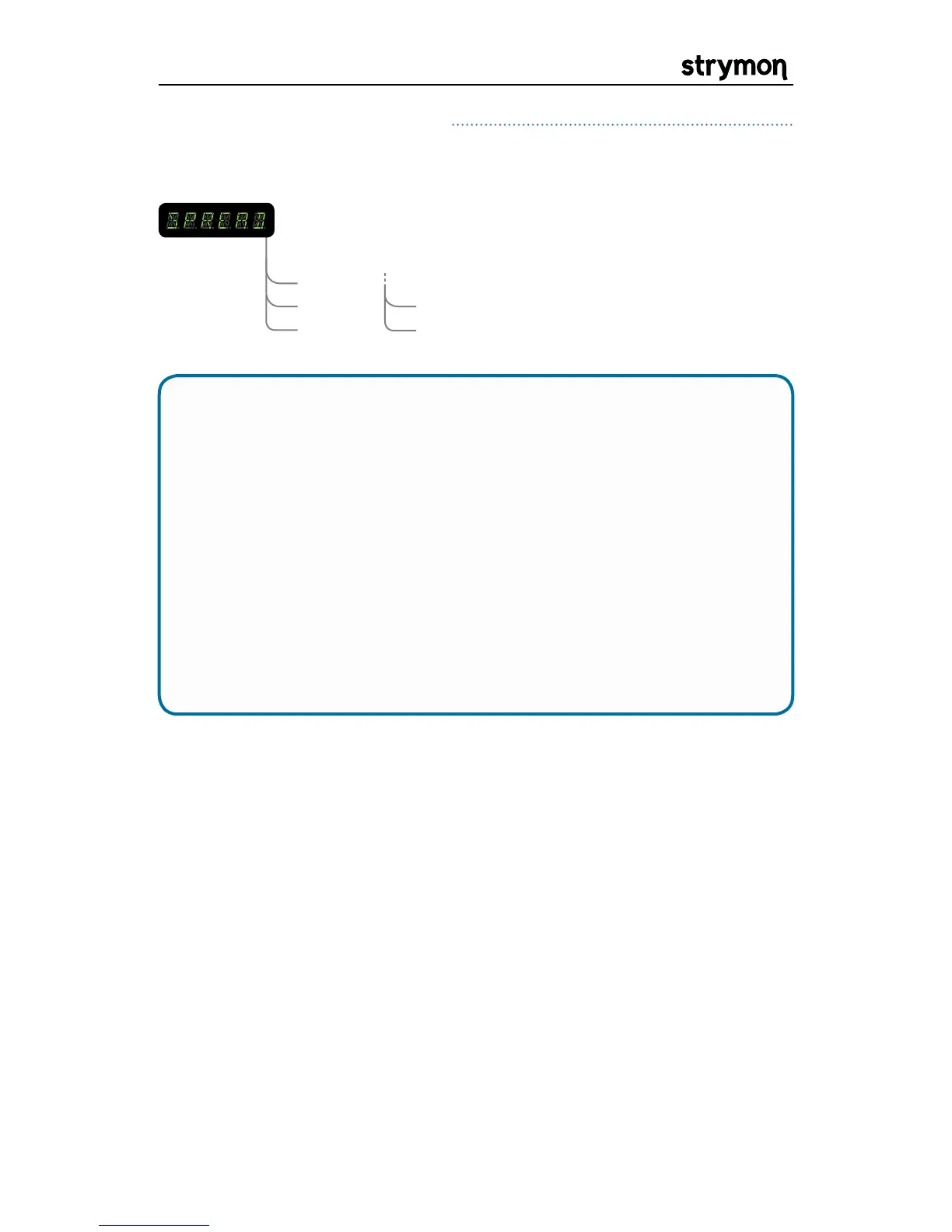
SPREAD: Determines the phase offset between the Left and
Right LFO signals. Listen to the effect it has on the
stereo image as you adjust the parameter. NOTE: Only
applies when using the unit in a stereo configuration.
Off
1/4
1/2
3/4
FULL
Mod Machines: Filter Continued


 To Next Page
 Loading...